
A set of accounts tells you what already happened. A financial model tells you what is likely to happen next, and what would change if your assumptions turned out to be wrong. That is why Excel financial modeling in Lahore has become one of the most useful skills for accountants, analysts and business owners who want to go beyond bookkeeping and monthly reporting.
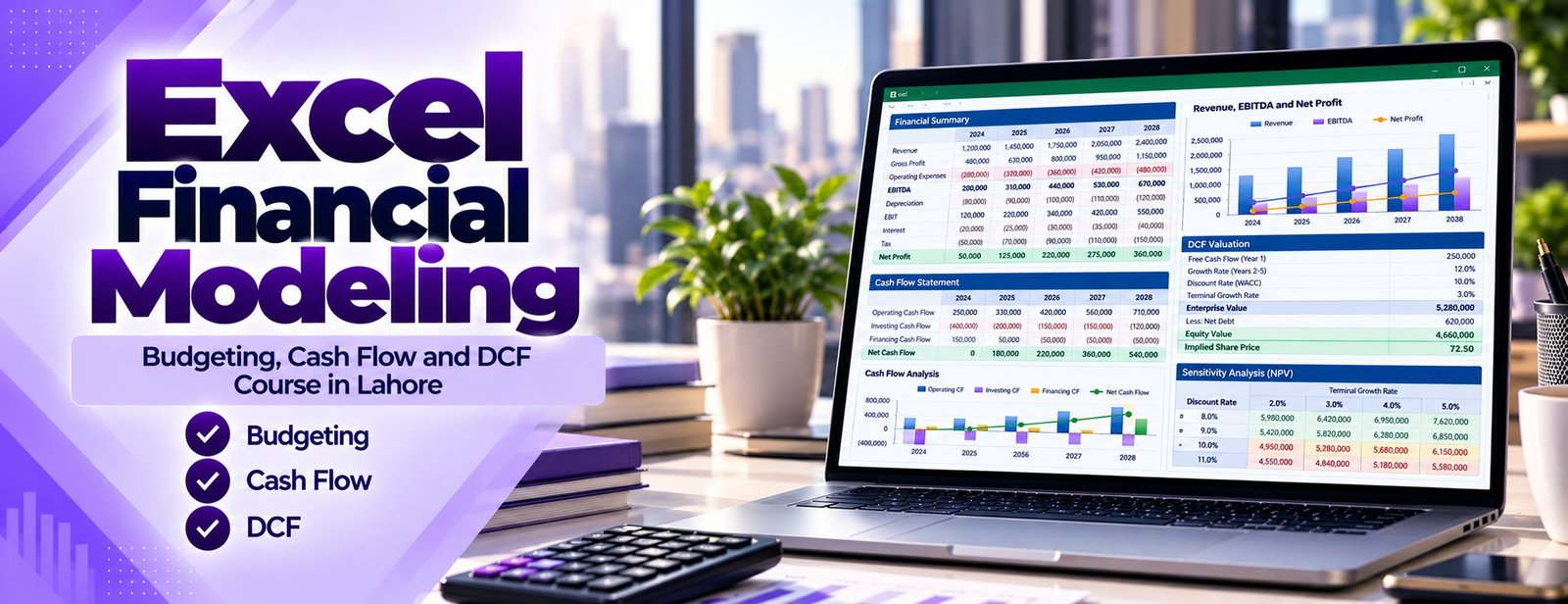
At Accountech you build the models finance teams actually use: a rolling monthly cash flow forecast, an annual operating budget with variance tracking, a linked income statement, balance sheet and cash flow statement, a DCF valuation, loan schedules, and a capital budgeting analysis built on NPV and IRR. Every model is built step by step, so you understand each link instead of copying a template you cannot explain.
The course assumes comfortable Excel and basic accounting. If your spreadsheet skills need a boost first, start with Advanced Excel training in Lahore, or compare options in our computerized accounting course list. The finance logic behind every formula is explained by Saad Nadeem (ACCA), so you learn why a model is built a certain way, not only which buttons to press.
The following topics are included in your Excel Financial Modeling training. The modules follow the order in which a real model is built: structure first, then forecasting, then statements, then valuation and decision-making.
Most broken models fail because of structure, not because of difficult formulas. This module sets the habits that keep every later model readable and auditable.
Before building full models you practise the functions that appear in almost every finance workbook, using small business examples.
Budgeting is where most finance teams first use modeling. You build a full operating budget that can be updated each month without rebuilding it.
Profitable companies still run out of cash, so this module focuses on liquidity. You build a short-term forecast and test how fragile it is.
A three-statement model is only as good as the schedules underneath it. Here you build the supporting schedules that feed the statements.
This is the centrepiece of the course: a single workbook where the income statement, balance sheet and cash flow statement update together when you change an assumption.
You learn how a business or project is valued from the cash it is expected to generate, and why the result is only as reliable as its assumptions.
Should the company buy the machine, open the branch or launch the product? This module teaches the standard tools used to answer such questions.
A model with one answer is a guess. This module shows you how to stress-test your work and communicate the range of outcomes.
The final module turns your model into something managers and lenders can read and trust.
Financial modeling is the practice of representing a business’s financial performance and position in a spreadsheet so that you can forecast, value and make decisions. In a good model, a change in one assumption, such as a longer customer payment period or a higher interest rate, flows through the entire workbook and shows its effect on profit, cash and the balance sheet.
Excel remains the standard tool for this work because it is flexible, transparent and available on almost every finance desk. Its built-in what-if tools, described in Microsoft’s introduction to what-if analysis, include Scenario Manager, Goal Seek and Data Tables, and these are the foundation of the sensitivity work you will do in the course.
We keep every model transparent so a reviewer can trace each output back to a labelled assumption. You will also learn to:

Associate Charted Certified Accountant (ACCA)
Saad Nadeem teaches the financial logic first and the Excel mechanics second, so you can defend every number in your model.
A one-month plan with recorded lessons that works around your job, exams or business hours.
Build the budget, forecast, three-statement and DCF models that employers and clients ask for.
Send your questions on WhatsApp 0331-8433334 and get help with the exact step that is not working.

Our approach pairs accounting understanding with spreadsheet discipline. You learn why a balance sheet must balance in a linked model, how working capital changes cash even when profit is positive, and how to avoid the hard-coded numbers that make a model impossible to audit.
What makes the training different in practice:
Because lessons are recorded, you can pause, rewind and replay a difficult step such as the cash flow statement link, then message us on WhatsApp if you still have a question.
Financial modeling sits between accounting and decision-making, which is where finance professionals add the most value. The practical benefits are broad:
If you also want to analyse operational and sales data rather than financial statements, see our Excel business modeling course.
After your practical training with Accountech Training & Solutions you will be able to:
On completion of the course, Accountech provides a certificate of completion confirming that you finished the training. It is a record of the learning you did with us and does not represent a qualification from any external professional body.
In finance interviews, the strongest proof is rarely a piece of paper. Hiring managers usually want to see how you think, so we encourage you to keep a small model portfolio: a budget with variance analysis, a cash flow forecast, a three-statement model and a DCF with sensitivity tables. Remove any confidential data, label your assumptions, and be ready to walk through the logic in an interview.
There are several ways to show that you can model, and the strongest candidates combine more than one:
A portfolio of well-built models helps you in several ways:
Tip: keep a one-paragraph description beside each model stating its purpose, key assumptions and limitations.
Many Excel classes teach formulas in isolation. A modeling course should teach you to build complete, linked models and to explain them. When comparing institutes, ask how much of the course is spent building models from scratch and whether the trainer has a finance background.
Accountech Training & Solutions is based in DHA Phase 3, Lahore, and teaches accounting and ERP skills including QuickBooks and Advanced Excel. If you want a broader spreadsheet foundation first, our Excel training across Pakistan page explains the wider options. Online delivery means students in Gulberg, Johar Town, Model Town, Bahria Town and beyond can learn without commuting.
Before you enrol anywhere, check that the course includes:
Treat any institute that guarantees employment or a salary with caution. Skills and a clear portfolio are what employers actually assess.
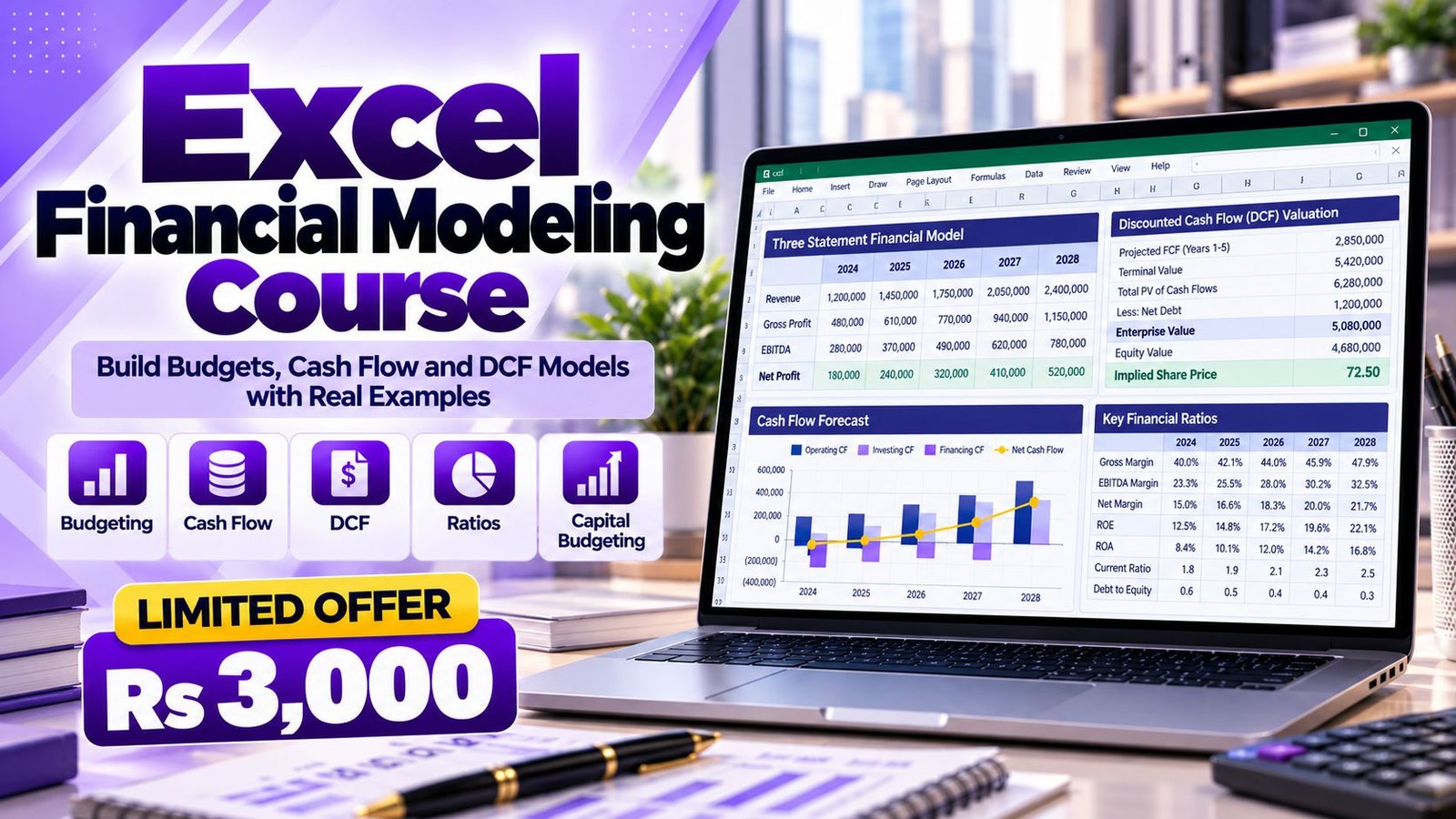
Accountech offers the Excel Financial Modeling course for Rs 3,000 with a planned duration of one month. The level is intermediate to advanced, so you should already be comfortable with everyday Excel formulas and basic accounting.
The fee covers:
Most learners take about one month studying a few hours per week. Because the lessons are recorded you can move faster or slower depending on your schedule. To start, visit the contact page or message us on WhatsApp, and you can ask for a demo class before you decide.
The training is delivered online through recorded lessons that you can study at your own pace:
Guided model builds
Follow each lesson step by step as a complete model is built from a blank workbook.
Independent practice
Rebuild the same model yourself, then apply the method to a second case with different numbers.
Review and error checking
Compare your workbook with the checks and logic shown in the lesson and fix differences.
Support
Message WhatsApp 0331-8433334 when a formula, link or concept is unclear.
You need a laptop or desktop with a recent desktop version of Excel. Some functions, such as XLOOKUP, are not available in very old versions, so check your version before starting. You can also read the contact page if you want to discuss your setup.
Modeling is not a single job title. It is a skill that sits inside many finance roles. Typical roles where these skills are used include:
Employers generally look for clean structure, correct accounting logic, clear assumptions and the ability to explain results. Salaries differ widely by employer, city and experience, so we do not quote figures here. Check current listings on job portals for the roles that interest you.
To strengthen your profile, combine modeling with advanced Excel skills and reporting tools such as Power Query and Power BI.
Financial modeling is a transferable skill. Budgeting, forecasting, cash flow planning and investment appraisal follow the same core logic in finance teams around the world, and Excel is widely used for it. Pakistani professionals have worked in finance functions in the Gulf, the UK and other markets, and a strong grounding in modeling supports those applications.
Practical points to remember:
Lahore has a large base of banks, manufacturers, textile and trading companies, consultancies, real estate developers, hospitals, schools and growing start-ups. All of them need people who can prepare a budget, track cash and judge whether an investment makes sense.
Many small and medium businesses in Lahore still plan their finances informally, so a person who can present a clear cash flow forecast and a loan schedule can stand out quickly. Companies that want to train several employees at once can enquire about corporate training. Accountech’s office is at 182-Y Block, DHA Phase 3, Lahore.
The planned duration is one month. Most learners finish in about that time by studying a few hours per week, and the lessons are recorded so you can go at your own pace.
The fee is Rs 3,000. It includes access to the online lessons, practice models, a certificate of completion and WhatsApp support during the course.
Yes. DCF is a core part of the course. You forecast free cash flows, discount them, estimate a terminal value and then test how sensitive the result is to your assumptions. You also learn why a valuation is a range, not an exact figure.
Basic accounting knowledge is helpful, especially for three-statement modeling, because you need to understand debits, credits, working capital and the structure of financial statements. If you are new to accounting, it helps to review the basics first.
You should be comfortable with formulas, cell references, basic functions such as SUM and IF, and simple charts. The course revises the finance-specific functions, but if you are weak in Excel, consider our Advanced Excel course first.
Yes. The training is online with recorded lessons. You can enrol through the website or WhatsApp 0331-8433334 and ask any questions before you start.
Yes. You build budget, cash flow, three-statement, DCF and capital budgeting models during training and are encouraged to rebuild each one yourself from a blank sheet.
Excel’s NPV function assumes equally spaced cash flows at the end of each period, so an initial outlay at time zero is normally added outside the function. XNPV takes actual dates, which suits irregular cash flows, as described in Microsoft’s XNPV function reference.
The course can help you apply topics such as budgeting, valuation and investment appraisal in a practical way. It is not an exam preparation course and does not replace the syllabus of any professional body.
No institute can honestly guarantee a job. The course gives you practical skills and models you can show in interviews, but results depend on your background, effort and the job market. You can ask us about the course content on the contact page before you decide.
Build each model from scratch at least once. Understanding every link is what separates a modeller from a template user. If you are ready to start, message us on WhatsApp 0331-8433334 or visit the website to arrange a demo class and ask about your own situation.
 Posted on Google
 usama ali
Trustindex verifies that the original source of the review is Google.
This course was good for beginnersPosted on Google Umair IqbalExcellent training experience! The trainer explained everything very clearly, and the session was informative, practical, and easy to understand. This is a very useful basic skill, and I believe everyone should learn it. Highly recommended!Posted on Google
 Waqar AliAccountech Training & solutions offers best practical courses they are really easy and beginners friendly with highly advanced skills and well-traned teachersPosted on Google
 Muhammad TariqBest Accounting material, I gained best knowledge and experience with Accoutech and also received E-certificate.Posted on Google
 Usama AsifI have completed my excel course. According to me, It is very helpful for the professional and highly recommend to all of you to gain your skills and become more competitive for the job marketPosted on Google
 Nasir AyoubI bought the Excel course and it exceeded my expectations. The content and teaching quality were outstanding. I also enrolled in other courses, and all are 5/5. Highly recommended for anyone who wants to learn practical skills.Posted on Google
 Jamshaid Ameer ShahExcellent mode of learning Best Teaching/Guidance 100% RecommendedPosted on Google
 ZA RizwanWith "Accountech Training & Solution" An absolutely wonderful and amazing training experience—truly inspiring and full of valuable learning! 🌟 Thanks Accountech & team.
