
A business model in Excel is a set of linked assumptions, calculations and outputs that lets you test a decision before you make it: What if prices rise 5%? What if demand falls? What if a new branch opens in March? Excel Business Modeling in Lahore at Accountech focuses on building models that are clear, flexible and checkable, so the person reading your workbook can follow the logic without a phone call to its author.
Most people who sit in front of a budget file know how to add, subtract and use SUMIF. Far fewer can build a file where a single change to the sales growth assumption flows correctly through revenue, costs, tax, cash and the summary page. That gap, between calculating and modeling, is exactly what this course closes.
You should be comfortable with core formulas first. If not, begin with our Advanced Excel training in Lahore or the broader MS Office course, and then use this course to move from calculation to decision-support. If your interest leans towards valuation, three-statement models and investment analysis, see our Excel financial modeling course as the more finance-specific companion.
The following topics are included in your Excel Business Modeling training. Each module is taught through a practice model, so you finish with working files rather than only notes.
Most broken spreadsheets fail because of layout, not formulas. This module teaches you to design before you build.
A model is only as honest as its assumptions. Here you learn to find the few drivers that really move the result and to record where each number came from.
Managers rarely want one answer. They want a base case, a cautious case and an optimistic case, side by side. This module shows several ways to build that safely.
Sensitivity analysis shows how far one or two inputs can move before a decision changes. You will use Excel’s built-in what-if tools and learn when each one fits.
Forecasting turns history into a view of the coming months. You learn simple, explainable methods first and then Excel’s built-in forecasting aids.
Flexible models depend on formulas that keep working when rows are added, products change or a manager asks for another view.
Many business questions end with a money-over-time answer. This module covers the calculations that most often sit inside planning models.
A good model can still fail in the meeting room if the output is cluttered. This module is about showing the answer clearly.
Before anyone relies on a model, someone should try to break it. You will learn to review your own work and inherited files.
You finish by building a complete model around a business question, from blank workbook to presentation-ready output.
Business modeling in Excel relies on features such as what-if analysis, Data Tables, Goal Seek and scenario controls. Microsoft explains the core tools in its guide to what-if analysis in Excel, and we build on them with business cases drawn from finance, operations and sales planning.
The course is practical from the first lesson. Instead of memorising menus, you build a small model, break it, fix it and then extend it. Typical practice cases include a product sales forecast, a price-change scenario, a break-even analysis, a monthly cash-flow projection and a departmental budget what-if.
Some functions behave differently depending on your Excel version. For example, XLOOKUP is not available in Excel 2016 or 2019, so we also teach INDEX and MATCH alternatives that work in older versions. That matters in Pakistan, where many offices still run older installations and share files between versions.

Associate Charted Certified Accountant (ACCA)
Saad Nadeem, ACCA, builds models from a financial and operational viewpoint, so the examples reflect how real decisions are discussed.
Recorded online lessons across one month let you study around your job, classes or business hours and repeat the difficult parts.
Every model starts with a business question, such as pricing, budgeting or expansion, rather than a list of functions.
Message us on WhatsApp 0331-8433334 when a formula or a model structure is not working and you need direction.
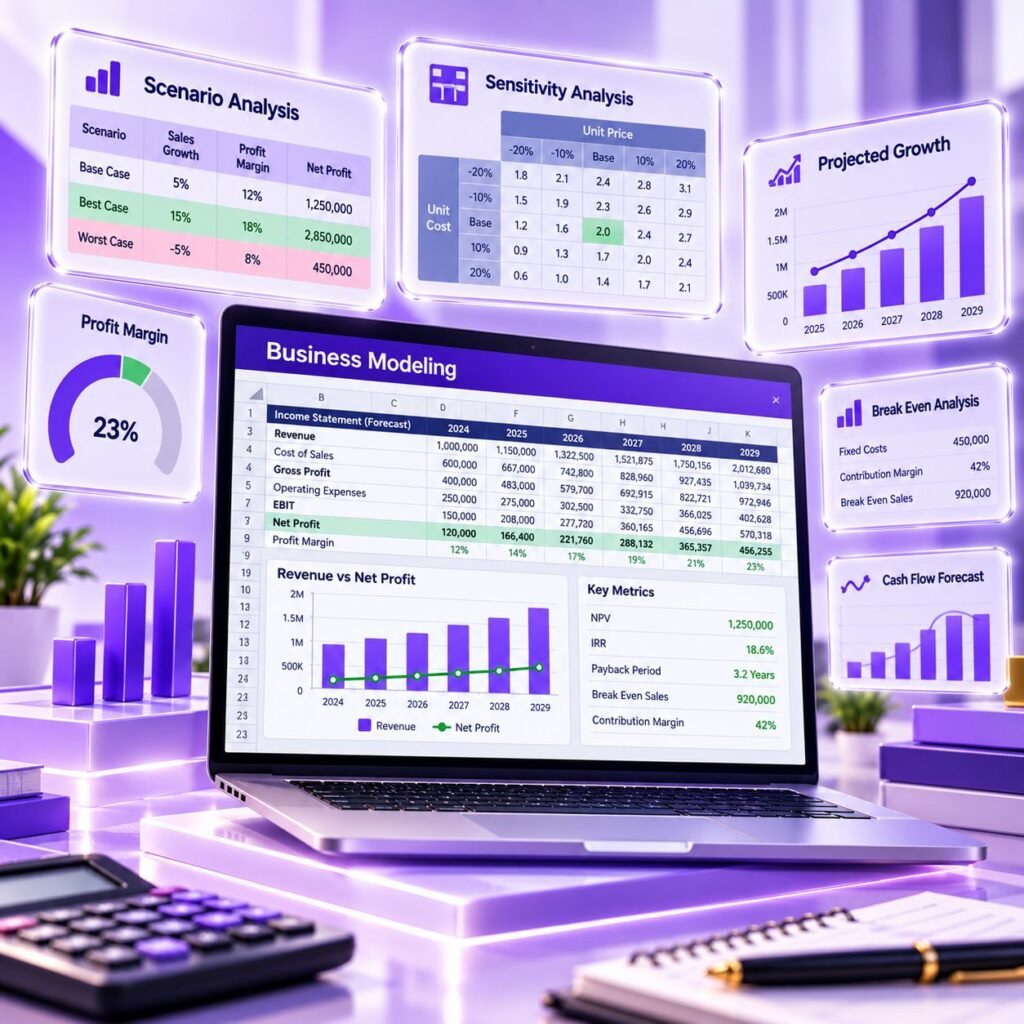
Many Excel courses teach functions but not model design. Here you learn how to lay a model out so someone else can follow it, how to test it, and how to present results without confusing a manager. Those are the habits that make a spreadsheet trustworthy.
What you can expect from the way we teach:
If you want to combine large data sources afterwards, you can look at Power Query and Power BI.
Modeling skills help you support budgeting, pricing, expansion and investment discussions with evidence. They also improve your standing in finance, operations and strategy roles, where Excel is the common language.
Accounting staff who also use packages such as QuickBooks or Tally often export reports to Excel; modeling skills help you go beyond the report and plan forward from it.
After your practical training with Accountech Training & Solutions you will be able to:
On completing the course you receive an Accountech certificate of completion. It records that you finished the training; it is not an external qualification, so we suggest you also build evidence that shows what you can actually do.
Microsoft offers its own Office skill credentials, and employers also value a small portfolio of models. We encourage you to keep two or three completed models, each with documented assumptions, a check sheet and a short summary, as proof of your ability. In an interview, being able to open a model and explain how the scenario switch works is usually more convincing than a list of function names.
There is no single document that proves modeling skill, so use a combination:
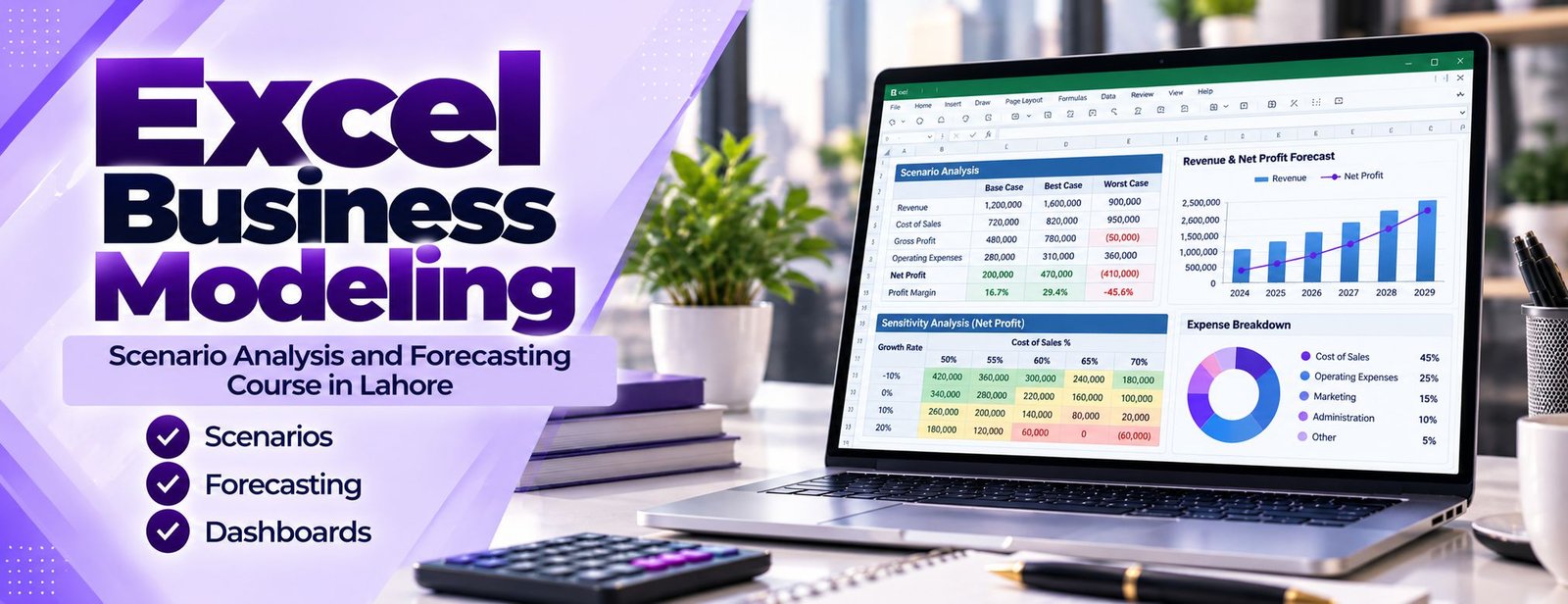
A model portfolio lets you:
Remove confidential company data before sharing any file. Sample or invented figures work perfectly well for demonstrating structure.
Choose a course that teaches model design, not only functions. Many short Excel classes in Lahore stop at pivot tables and lookups, which are valuable but are not the same as building a decision model.
Accountech is a training provider based in DHA Phase 3, Lahore, with courses across Excel, accounting software and ERP. We also offer Advanced Excel as a foundation, and our computerized accounting courses suit learners who want to combine bookkeeping knowledge with planning skills.
Whichever provider you consider, ask to see a sample lesson and a sample model before you pay.
Ask whether the course covers:
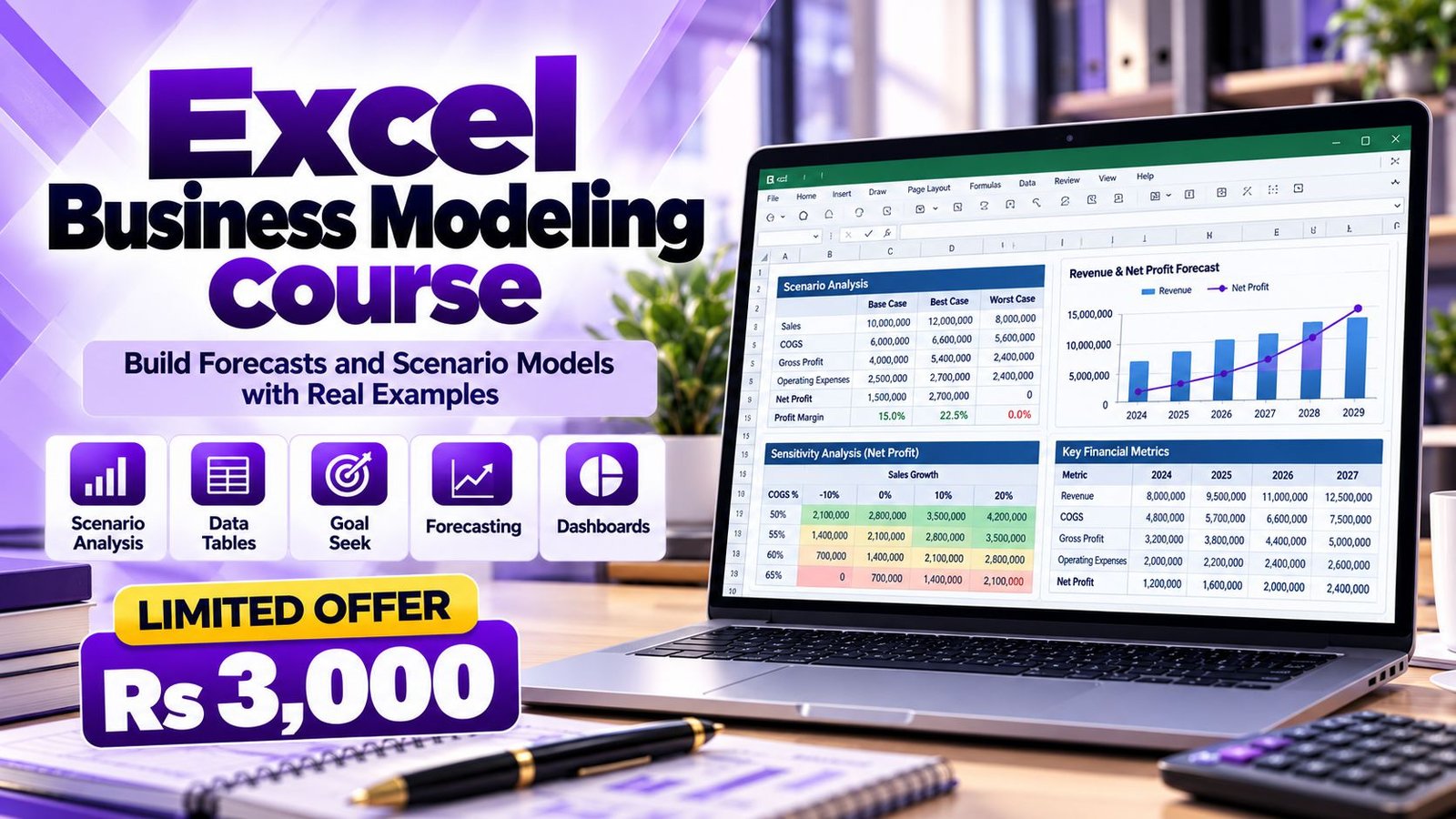
Accountech offers Excel Business Modeling for Rs 3,000 with a one-month duration. The level is intermediate to advanced, so you should already be comfortable with everyday Excel formulas.
To confirm current availability or ask about group arrangements, use the contact page or contact us directly. A one-month plan works well if you spend a few focused hours each week building the practice models yourself, not just watching.
Training is online, so you can learn from DHA, Gulberg, Johar Town, Model Town or anywhere else in Pakistan:
Guided lessons
Recorded lessons build a model step by step, so you can pause, rewind and repeat difficult sections.
Practice
Apply each technique to a practice case and then to your own data, such as a budget or sales sheet.
Support
Ask questions on WhatsApp 0331-8433334 when you are stuck on a formula or a model layout.
Capstone and review
Finish with a complete model and check it against the review checklist.
You will need a laptop or desktop with Microsoft Excel installed. Some topics, such as dynamic arrays and XLOOKUP, require Microsoft 365 or Excel 2021 or later, and we show alternatives for older versions.
Modeling skills do not create one job title; they strengthen many roles where planning and analysis matter. Typical examples include:
Job requirements and pay vary widely between employers, so we do not quote salary figures here. Check current listings on job portals for your target role and match the skills they ask for with your portfolio. Consider adding Excel training for wider Excel coverage, or Power Query and Power BI if reporting on larger data sets interests you.
Excel modeling is used worldwide, so the skill transfers across sectors and countries. Finance teams, consultancies, banks and start-ups in many markets expect analysts to build and review spreadsheet models.
Pair modeling with accounting knowledge, for instance through ACCA studies or cloud accounting tools, to widen the range of roles you can approach.
Lahore has a large base of manufacturers, textile and garment exporters, distributors, retailers, banks, software houses and consulting firms. Many of them rely on Excel to plan sales, stock, production costs and cash. Offices around Gulberg, DHA, Johar Town, Model Town and the industrial areas often need someone who can maintain and improve these files.
Typical local uses of modeling include:
Teams that want to train staff together can request corporate training. Our office is at 182-Y Block, DHA Phase 3, Lahore, and online lessons mean you can start from wherever you are.
The planned duration is one month. Learners who practise the models a few times each week usually find that is a comfortable pace, and recorded lessons let you revisit any module.
The fee is Rs 3,000 for the one-month course. For enrollment details you can use the enrollment page or message us on WhatsApp 0331-8433334.
Basic to intermediate Excel is needed, including everyday formulas, absolute and relative references and simple charts. If you are less confident, our Advanced Excel course is a good foundation to take first.
Yes. You will build scenario selectors and comparison tables, one-variable and two-variable Data Tables, and Goal Seek examples. We also introduce Solver for constrained problems and explain when each tool is suitable.
Yes. Lessons are recorded and online, and you can ask questions on WhatsApp 0331-8433334. You can study from anywhere in Lahore or Pakistan.
You can apply the methods to your own data after learning them on practice cases. Do not share confidential company files with anyone without permission; anonymised or sample data works equally well for learning.
Most of the course works in Excel 2016 and later. A few features, such as XLOOKUP and dynamic array functions like FILTER, UNIQUE and SORT, need Microsoft 365 or Excel 2021 or later, and we show alternatives for older versions.
Advanced Excel focuses on functions, PivotTables and data handling. Business modeling uses those skills to design assumptions, scenarios, forecasts and decision outputs. Many learners take both.
They overlap, but this course is broader and aimed at business decisions in sales, operations and budgeting. Financial modeling usually goes deeper into valuation and three-statement models, which is covered in our separate financial modeling course.
Yes, you receive an Accountech certificate of completion. It confirms that you completed the training and is not an external qualification, so we recommend keeping your practice models as a portfolio too.
Build one model from a real question at your work or business and review it with us; that is the fastest way to get good. If you still have a question about the course, contact the Accountech team or message WhatsApp 0331-8433334, and we will help you decide whether the course suits your current level.
 Posted on Google
 usama ali
Trustindex verifies that the original source of the review is Google.
This course was good for beginnersPosted on Google Umair IqbalExcellent training experience! The trainer explained everything very clearly, and the session was informative, practical, and easy to understand. This is a very useful basic skill, and I believe everyone should learn it. Highly recommended!Posted on Google
 Waqar AliAccountech Training & solutions offers best practical courses they are really easy and beginners friendly with highly advanced skills and well-traned teachersPosted on Google
 Muhammad TariqBest Accounting material, I gained best knowledge and experience with Accoutech and also received E-certificate.Posted on Google
 Usama AsifI have completed my excel course. According to me, It is very helpful for the professional and highly recommend to all of you to gain your skills and become more competitive for the job marketPosted on Google
 Nasir AyoubI bought the Excel course and it exceeded my expectations. The content and teaching quality were outstanding. I also enrolled in other courses, and all are 5/5. Highly recommended for anyone who wants to learn practical skills.Posted on Google
 Jamshaid Ameer ShahExcellent mode of learning Best Teaching/Guidance 100% RecommendedPosted on Google
 ZA RizwanWith "Accountech Training & Solution" An absolutely wonderful and amazing training experience—truly inspiring and full of valuable learning! 🌟 Thanks Accountech & team.
Related courses at Accountech Lahore:
