
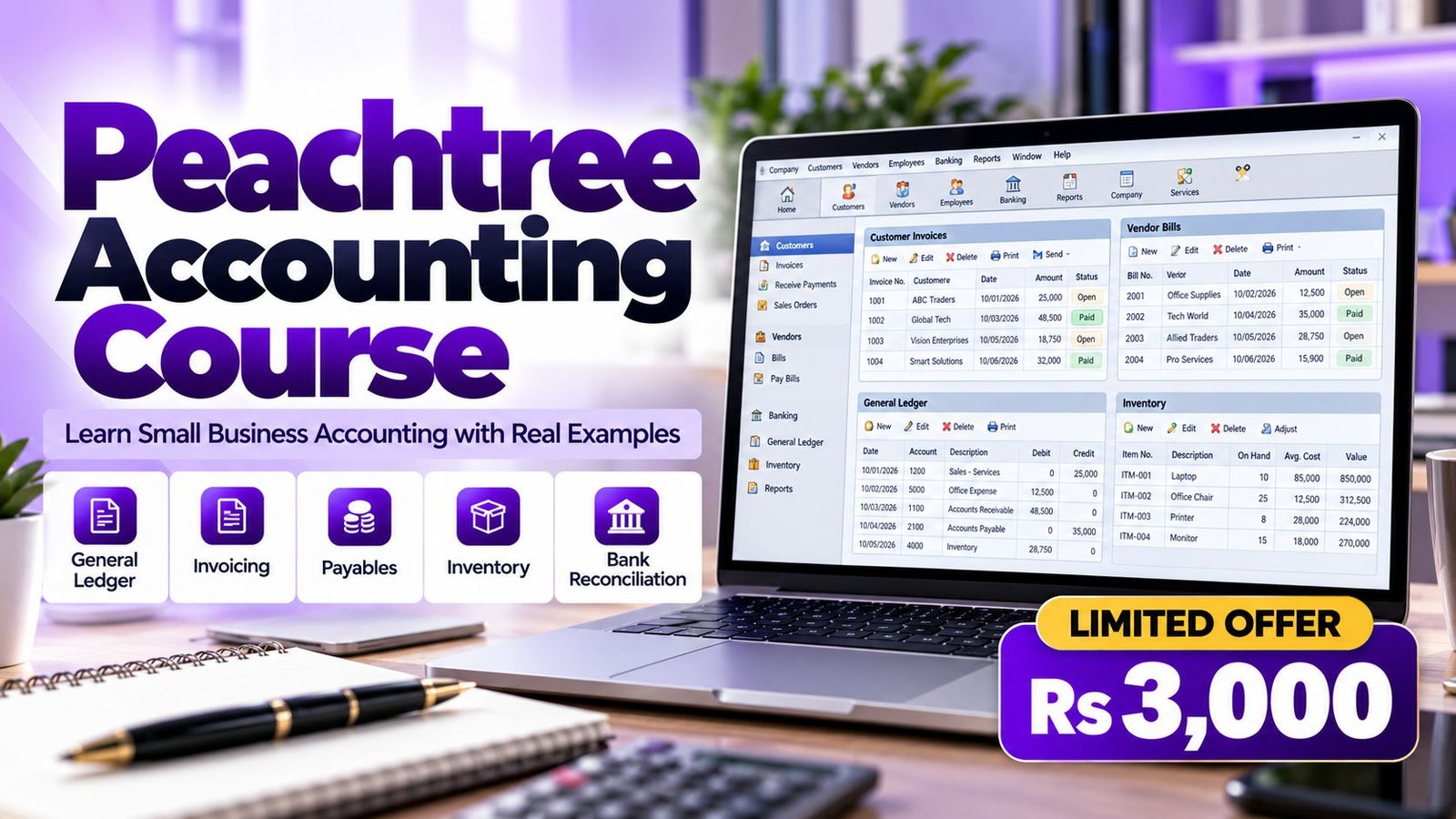
Peachtree is a straightforward accounting package that small organisations in the US, Europe and Pakistan have used for years to track customers, vendors, inventory and bank accounts. Peachtree Training in Lahore at Accountech is aimed at people who need a low-cost, easy-to-learn system: owners starting out, accounts clerks who inherit an existing file, and students who want a first accounting package.
Peachtree was later rebranded as Sage 50 in the United States, so the way of working you learn carries into newer releases. If you are still deciding which package suits your career, our computerized accounting courses in Lahore page explains the options, and you can compare Peachtree with QuickBooks training and Tally training before you commit.
This is not a menu tour. The course follows the way a real office works: you set up a company, load opening balances, post a month of sales and purchases, handle stock, reconcile the bank and then check that the reports agree with each other. By the end you will have a complete practice company that you can open in front of an employer or a client and explain line by line.
Classes are delivered online through recorded lessons, so a shop owner in Gulberg, a clerk in Johar Town and a student in Model Town can all follow the same material at their own pace. Questions go to the trainer on WhatsApp, and you can also visit our office in DHA Phase 3 if you prefer to talk in person.
The following topics are included in your Peachtree training. Each module combines a short explanation of the accounting idea with hands-on tasks in a practice company, so you learn the reason for every step and not only the button to press.
Start with the accounting cycle and then build a new company file the way a real business would, including the choices that are hard to change later.
A clean chart of accounts is the foundation of every report. This module shows how to design one for a Pakistani trading or service business and how to start the books without carrying errors forward.
Learn the full sales cycle from the first quote to the money arriving in the bank, and see how each document updates receivables automatically.
Control what you owe and when you pay. This module covers purchasing from order to payment so that supplier balances are always accurate.
Stock is where many small businesses lose track of profit. You will set up items properly and understand how quantity and value move through the books.
Cash is the first thing an owner or auditor checks. Here you practise the routine that proves your books against the bank statement.
Reports turn daily entries into decisions. You will learn which reports to run, what they show and how to confirm they are consistent.
Closing a month properly is a discipline. This module gives you a checklist you can reuse in any business and any software.
Put everything together in a complete exercise for a small trading business, from setup to the final reports.
A second exercise adds the extra thinking that manufacturing and assembly businesses need.
Peachtree Accounting was a desktop accounting package built for small and medium businesses. It covered the general ledger, accounts receivable, accounts payable, inventory, banking and financial reports, and added job costing and payroll in other editions. Sage, its owner, rebranded it as Sage 50 in the United States; the vendor’s own Sage 50 product page states that Peachtree was rebranded as Sage 50 in 2013 and that the newer product keeps the core features.
This matters for you because the logic never changed. A customer invoice still increases receivables and income, a vendor bill still increases payables and an expense or stock, and a bank reconciliation still proves the cash balance. Learn these flows once and they transfer to other packages. Sage also sells a UK desktop product called Sage 50 Accounts, described on its Sage 50 Accounts page, which works on the same desktop-accounting idea with cloud connectivity added.
Many small firms in Pakistan and overseas still hold years of data in older Peachtree or Sage 50 files. Someone has to read those files, correct them and produce reports, and that person is often the clerk or bookkeeper who has actually practised on the software. If you also want to see how Sage’s UK-style product is taught, see our Sage Line 50 training in Lahore page.

Associate Charted Certified Accountant (ACCA)
Saad Nadeem, ACCA, has implemented accounting software in companies and teaches with real business examples, not only textbook ones.
Online recorded lessons on a one-month plan that fit around a job, a shop or university timetable.
A low-cost course at Rs 3,000, aimed at small businesses and first-time learners who cannot afford an expensive package.
Message us on WhatsApp 0331-8433334 or visit the DHA Phase 3 office to ask questions and get direction.
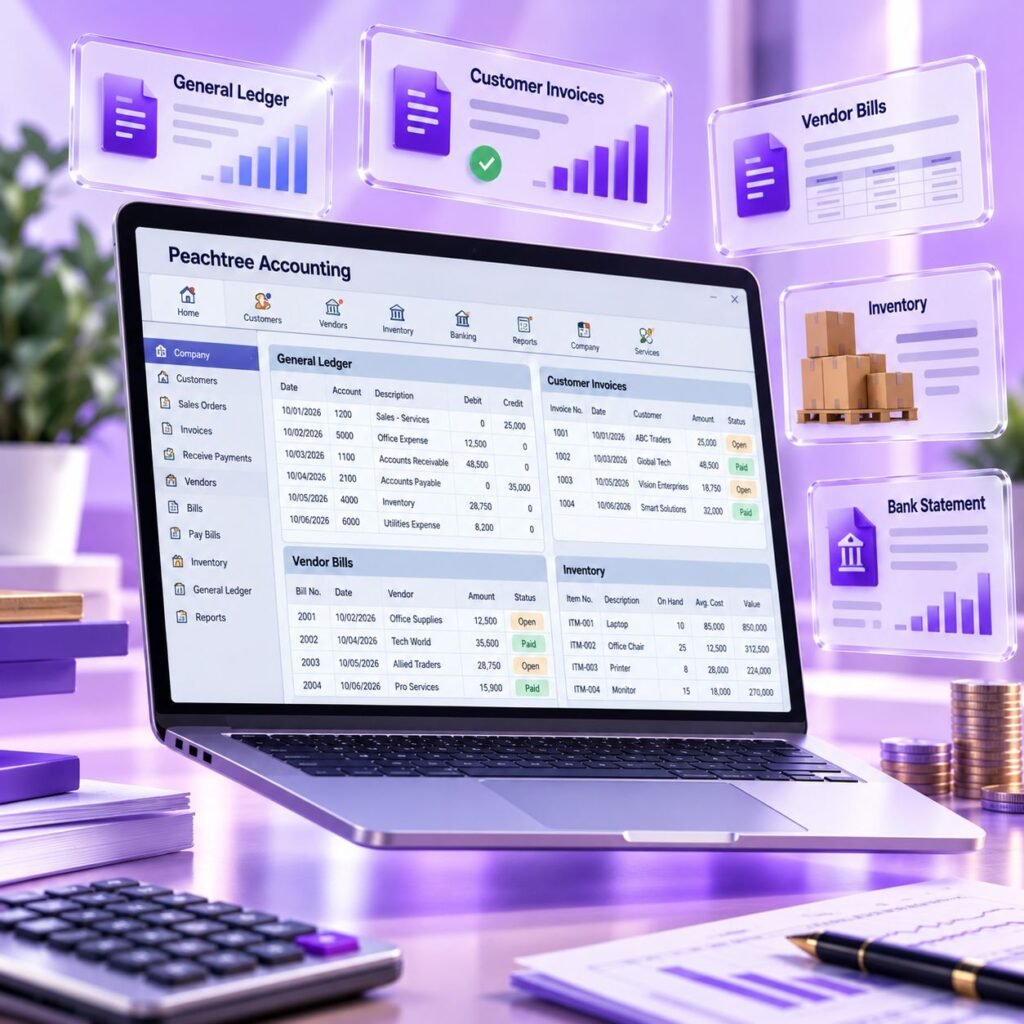
Our Peachtree lessons treat the software as a tool for the accounting cycle rather than a menu tour. You learn why each opening balance matters, how invoices flow to receivables and how a bank reconciliation proves your cash balance. When you understand the reason, you can work in any file, including one that somebody else set up badly.
What sets the course apart:
Small business owners especially benefit because we show how to keep records clean enough for an accountant or tax adviser to use without re-keying everything.
Peachtree training helps you digitise manual registers, reduce errors and produce reports quickly. It also builds fundamentals – ledgers, subledgers, inventory and reconciliation – that make later learning of ERP tools easier.
For employees, the benefit is credibility. A clerk who can reconcile a bank account and explain an aging report is more useful on day one than someone who has only read about accounting.
After your practical training with Accountech Training & Solutions you will be able to:
On completing the course you receive an Accountech certificate of completion. It confirms that you finished our training; it is not a vendor or government qualification, and we do not present it as recognised by any outside body. Because the product continues as Sage 50, there is also no separate Peachtree vendor credential for us to promise.
The strongest proof of skill is what you can show: a practice company with posted transactions, a reconciled bank account and clean reports, supported by your Accountech training record. Employers in small businesses usually test practical ability, so a candidate who can open a file and walk through it is easy to trust. You can read the vendor’s current description of the product on the Sage 50 product page.
There is no single document that proves accounting-software skill, so build a small portfolio:
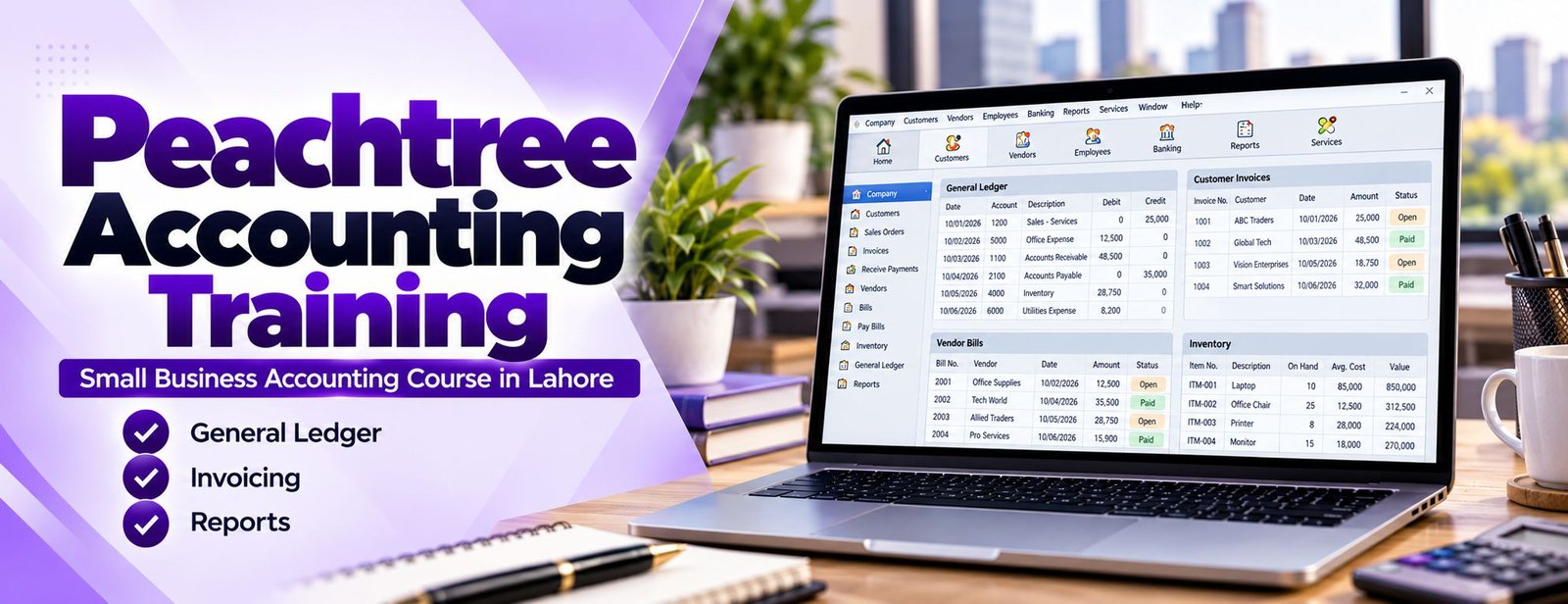
A practice file is evidence that you have done the work. It lets you:
Keep a backup of your practice file and a PDF of the key reports so that you can share them quickly when an opportunity appears.
Because Peachtree is an older product, look for a trainer who can also guide you to Sage 50 and other tools. A provider who only teaches menus will leave you stuck the first time a file looks different from the example. Accountech is led by Saad Nadeem (ACCA) and offers a broad catalogue including Advanced Excel, QuickBooks and Tally, so your accounting skills can grow in a planned way.
If you are not sure where to start, you can contact our team with your background and goal, and we will suggest whether Peachtree, another package or a combination makes sense for you.
Before you pay for any accounting-software course, check these points:
A common mistake is choosing a course only because it is the cheapest or the longest. Choose the one where you will actually post, reconcile and report.
Accountech offers Peachtree training for Rs 3,000. The course duration is one month, delivered online through recorded lessons, with practice exercises and WhatsApp support.
The fee covers the full set of lessons, the practice company exercises and your certificate of completion. One month is enough for a beginner who studies a little each day, and the recorded format lets you replay difficult topics such as bank reconciliation. To join, use our contact page, or message us on WhatsApp 0331-8433334 (+92331-8433334) and we will guide you through the next step.
We deliver training online so that you can study from anywhere in Lahore or outside it:
Recorded guided lessons
Step-by-step walkthroughs of each task. Pause, rewind and repeat as often as you need.
Practice exercises
Work through trading and manufacturing examples in your own copy of the software, and compare your reports with the expected results.
Chat support
Ask questions on WhatsApp 0331-8433334 when you are stuck on a posting or a report.
Office visit
If you want to talk to someone face to face, our office is at 182-Y Block, DHA Phase 3, Lahore.
For offices that want several staff trained together, see our corporate training options.
Peachtree skills support practical, entry-level and mid-level accounting roles in small and medium businesses. Typical roles and what they involve in the software:
Employers generally look for accuracy, tidy records and the ability to explain a report. Add Advanced Excel to improve reporting speed, or pair Peachtree with QuickBooks to cover the packages most often requested in job advertisements. We do not quote salary figures here because pay varies widely by employer, experience and the other skills you bring; check current advertisements on job portals for a realistic picture.
Peachtree and Sage 50 have a long history in the United States, and some small businesses abroad still hold data in these files. Accounting professionals who can read them, tidy them and produce reports sometimes find remote bookkeeping or clean-up work, though availability depends on the client and the version they use.
The more portable skill is the accounting itself. Reconciliation, aging analysis, inventory costing and period-end discipline are asked for in every package, from Sage 50 to cloud tools such as Xero. Always confirm the software version an employer or client uses before you promise anything, because versions and editions differ.
For the current US product and its editions, see the vendor’s Sage 50 product page.
Lahore has thousands of small traders, wholesalers, workshops and family firms in areas such as Gulberg, Johar Town, Model Town, DHA, Anarkali and the industrial belts. Many of them have outgrown notebooks and Excel sheets but cannot justify a large ERP, and a few still keep older accounting files that need someone competent to maintain them.
If you are comparing options, you can also read about Tally, which is widely used in Pakistan, and about larger systems in our SAP training page. Teams can explore our corporate training for group sessions at your office.
The planned duration is one month. Most learners who study a little every day finish the lessons and both practice companies within that time. Because lessons are recorded, you can revisit any topic afterwards.
The fee is Rs 3,000. It covers the recorded lessons, the practice exercises, WhatsApp support and your Accountech certificate of completion. You can confirm the current details on WhatsApp 0331-8433334.
Peachtree continued as Sage 50, and the vendor states the newer product keeps the core features. Many small firms also keep older files, so the accounting workflow is still useful, and it transfers to other packages.
Basic knowledge helps, but it is not compulsory. We explain the accounting logic, such as debits, credits and why a reconciliation matters, alongside each task so beginners can follow.
Training is delivered online through recorded lessons. You can contact us on WhatsApp 0331-8433334 for support, and you are welcome to visit the office at 182-Y Block, DHA Phase 3, Lahore to ask questions.
Peachtree was rebranded as Sage 50 in the United States, and Sage describes Sage 50 as its continuation. Screens and some features have changed over the years, so we teach the common workflow and tell you to check the version your employer uses.
Yes, you receive an Accountech certificate of completion. It shows that you finished our training; it is not a vendor qualification and we do not claim it is recognised by any outside organisation.
It depends on where you want to work. Look at the jobs you are targeting and the software they name, then choose one. Our computerized accounting courses page compares the main options, or you can message us for advice.
Yes. Besides trading examples, the course includes a manufacturing scenario with raw materials, assembly of finished goods and inventory valuation. It is introductory and suits small units; large production environments usually need an ERP.
Fill in the enquiry form or send us a message on WhatsApp 0331-8433334. We will confirm the fee, share the lesson access details and answer any questions before you start.
Start with a clean practice file, post every exercise and reconcile your reports. That habit makes you reliable in any accounting package. Still have a question about the course, the fee or which software suits your career? Contact Accountech or message us on WhatsApp 0331-8433334 and we will be happy to help.
 Posted on Google
 usama ali
Trustindex verifies that the original source of the review is Google.
This course was good for beginnersPosted on Google Umair IqbalExcellent training experience! The trainer explained everything very clearly, and the session was informative, practical, and easy to understand. This is a very useful basic skill, and I believe everyone should learn it. Highly recommended!Posted on Google
 Waqar AliAccountech Training & solutions offers best practical courses they are really easy and beginners friendly with highly advanced skills and well-traned teachersPosted on Google
 Muhammad TariqBest Accounting material, I gained best knowledge and experience with Accoutech and also received E-certificate.Posted on Google
 Usama AsifI have completed my excel course. According to me, It is very helpful for the professional and highly recommend to all of you to gain your skills and become more competitive for the job marketPosted on Google
 Nasir AyoubI bought the Excel course and it exceeded my expectations. The content and teaching quality were outstanding. I also enrolled in other courses, and all are 5/5. Highly recommended for anyone who wants to learn practical skills.Posted on Google
 Jamshaid Ameer ShahExcellent mode of learning Best Teaching/Guidance 100% RecommendedPosted on Google
 ZA RizwanWith "Accountech Training & Solution" An absolutely wonderful and amazing training experience—truly inspiring and full of valuable learning! 🌟 Thanks Accountech & team.
Next courses to consider:
