
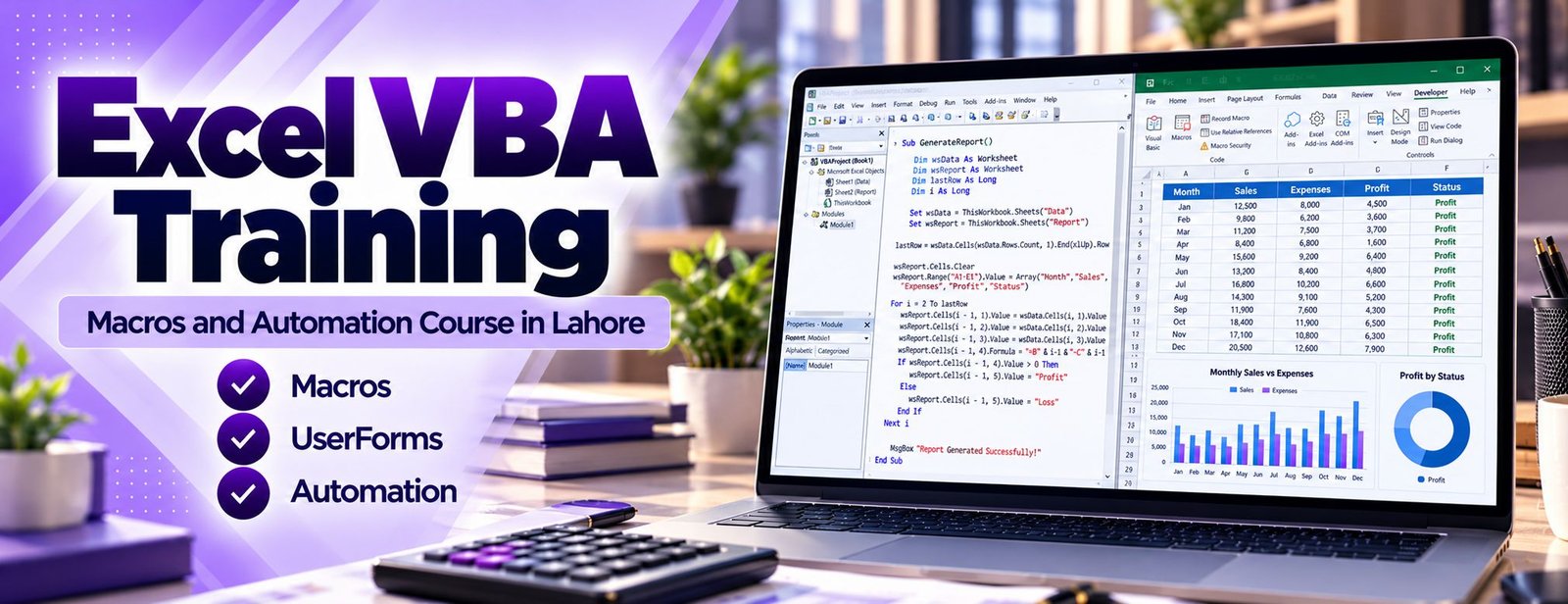
VBA (Visual Basic for Applications) is the programming language built into Microsoft Excel. With it, a task that takes thirty minutes of clicking can run in seconds. Excel VBA Training in Lahore at Accountech starts with the macro recorder, moves to reading and editing code, and then to writing your own procedures, functions and simple forms.
You should already be comfortable with formulas – if not, start with Advanced Excel training in Lahore or the MS Office course.
The following topics are included in your Excel VBA training. The course is split into nine practical modules. Each one ends with a small task taken from everyday accounting, MIS or operations work, so you are never writing code in a vacuum.
You begin by recording simple macros, then learn why recorded code is a starting point rather than a finished tool. Security is covered early because every macro user needs it.
The Visual Basic Editor (VBE) is where all your work happens, so we spend time becoming fast and comfortable in it.
Most beginner mistakes come from not understanding how data is stored. This module gives you a solid base before loops and decisions are added.
Decisions and repetition are what turn a macro into a small program. You will practise on realistic data such as a bank export or a sales list.
The Excel object model is how code talks to your workbook. Understanding Application, Workbook, Worksheet and Range makes everything else easier.
Real files are messy. This module shows how to clean and reshape data without hours of manual edits.
When Excel has no built-in function for your calculation, you can create one. A UDF works like any other formula once it is written.
A UserForm lets colleagues use your automation without ever seeing the code. We build small, practical forms rather than complicated applications.
This is where everything comes together. You build end-to-end routines of the kind that save hours every month.
A macro that works once is not enough. It has to behave sensibly when a file is missing, a sheet is renamed or the data is not what you expected.
VBA stands for Visual Basic for Applications, the programming language built into Microsoft Excel and the other Office programs. Through code you can do almost anything you do with the mouse, only faster and the same way every time. Microsoft documents the full object model in its Excel VBA reference, which becomes a very useful companion once you know the fundamentals we teach.
Our Excel VBA training in Lahore is designed around business tasks, not abstract programming exercises. You will clean exported data, consolidate sheets, format reports, create custom functions and build small tools your team can use. The course is delivered online through recorded lessons with practice files, and you can ask questions on WhatsApp whenever you get stuck.
The course is at an intermediate to advanced level because VBA builds directly on Excel knowledge. If your formulas, tables and pivot tables are still shaky, strengthen them first with Accountech’s Advanced Excel course and then return to automation. If you are comfortable with them, you can start straight away.
What you will not get: a pile of code to copy and paste. You will learn why each line exists, so you can fix it when a report layout changes next month.

Associate Charted Certified Accountant (ACCA)
Saad Nadeem (ACCA) teaches from reporting and accounting tasks, so each example looks like something you will meet at work.
Recorded lessons fit around your job. Replay a tricky loop or form as often as you need.
Automating a weekly or monthly task pays back every single time it runs.
Message WhatsApp 0331-8433334 when a macro will not run and get guidance on debugging.
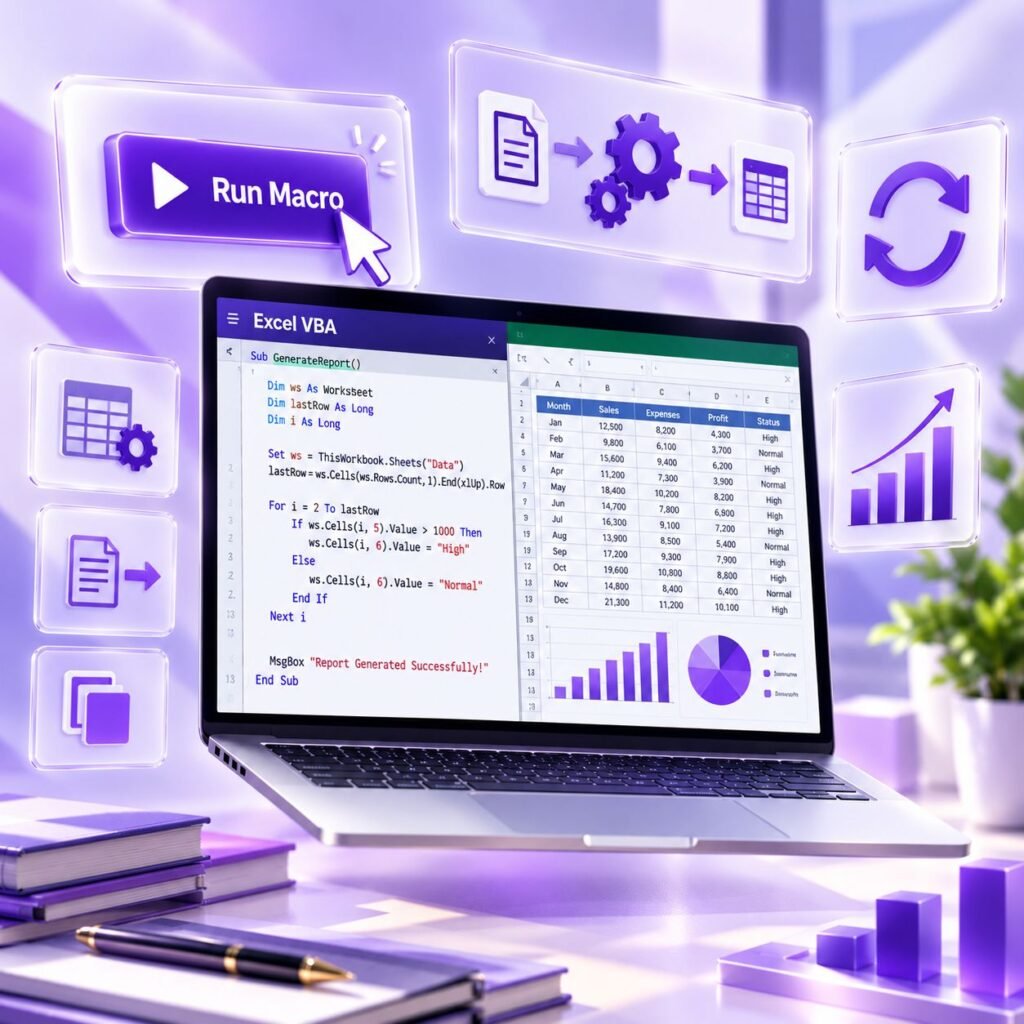
Many people learn VBA by copying snippets from the internet. It works until the data changes, and then nobody knows how to fix it. At Accountech Training & Solutions we teach the logic first: what an object is, how a loop moves through rows, why a variable has a type. Once you see that, code you find online becomes something you can read, test and adapt.
Every lesson is tied to a business task. Typical exercises include:
The trainer, Saad Nadeem, is ACCA-qualified and works with accounting and reporting processes, which is why the examples lean towards finance, MIS and operations rather than games or toy programs. You can see his other courses in our computerized accounting courses section if you want to combine VBA with accounting software skills.
Finally, the one-month plan and recorded format mean you can keep your job or studies going while you learn. Practise a little each day, and by the end you will have working tools rather than just notes.
The first benefit is time. A report that takes an hour of copying, pasting and formatting can often be reduced to one button click. Over a year, that is dozens of working hours returned to you for analysis and decision making.
The second benefit is accuracy. Manual work invites mistakes: a missed row, a wrong paste range, a forgotten filter. A tested macro applies the same steps every time, which makes month-end numbers more dependable.
Other practical benefits include:
A fair word of caution: VBA is not the answer to everything. For combining and reshaping data from many sources, Power Query is often easier and more robust, and you can see how that works in our Power Query and Power BI course. A good analyst knows both and chooses the right tool for the job.
After your practical training with Accountech Training & Solutions you will be able to:
On completing the course you receive a certificate of completion from Accountech. It confirms that you attended and finished the training. It is not an international or vendor certification, and we do not present it as one.
In VBA, the strongest proof of skill is a working tool. Employers and clients are rarely impressed by a list of topics; they want to see that you can solve a problem. We encourage you to keep two or three of your macros, with clear comments, as a small portfolio. Good examples include a sheet consolidator, a data-cleaning routine or a report generator.
For continued learning beyond the course, Microsoft’s official VBA reference for Excel lists objects, methods and properties with examples. Treat it as a dictionary: look things up when you need them.
There are several credible ways to show what you can do:
A working tool, supported by a course certificate, helps you in several ways:
One honest tip: always keep a copy of your original data before testing a macro that deletes or overwrites anything.
There are many places offering “macro” or “Excel programming” classes, and they are not all the same. Some only show how to press the record button and stop there. That helps for ten minutes and then leaves you stuck. A good course takes you from recording to reading, writing and debugging your own code.
Accountech teaches VBA as the final layer of a complete Excel skill path. If you want to build the foundation first or alongside, see our Excel training programmes and the wider MS Office course in Lahore. Students in DHA, Gulberg, Johar Town, Model Town, Bahria Town and other parts of the city can join online without travelling through traffic, and our office in DHA Phase 3 is available for enquiries.
Before you pay for any course, check these points:
You are welcome to ask for a free demo class on WhatsApp and judge the teaching style yourself.
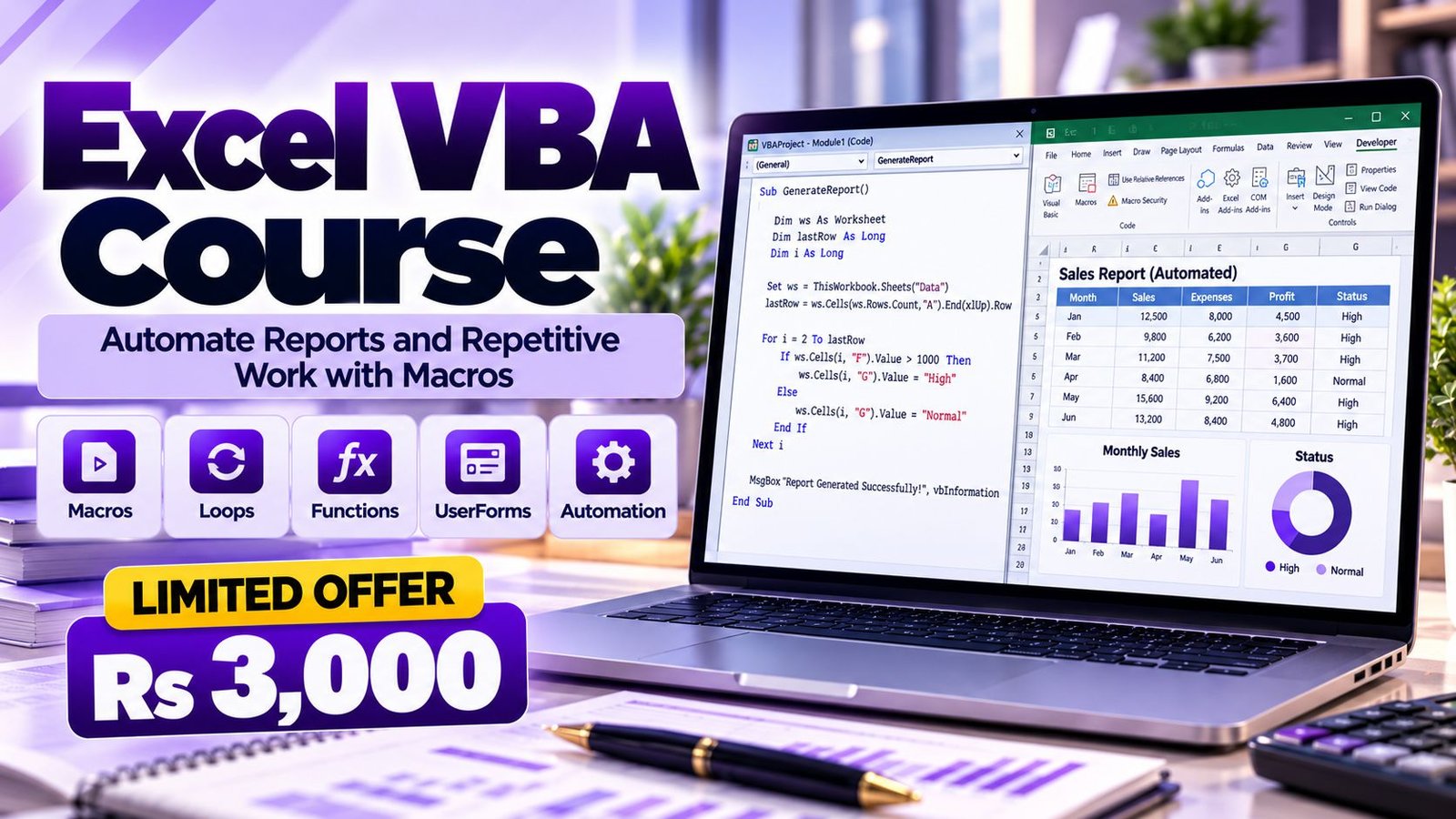
Accountech offers Excel VBA training for Rs 3,000, with a one-month duration. The course level is intermediate to advanced, so you should already be confident with Excel formulas.
What this includes:
To register, use the enrollment page, or message us on WhatsApp if you have a question first. Companies that would like to train several people together can read about corporate training options. If you are comparing prices, look at what is included, how long the course runs and whether you can reach the trainer for help.
The training is delivered online, so you can learn from home, the office or while travelling:
Follow-along recorded lessons
Watch each lesson and type the code yourself in your own Excel. Pause, rewind and repeat as often as you need. Writing code by hand is the quickest way to learn it.
Practice tasks
After each module, automate a small task. You are encouraged to use your own non-confidential reports so the learning becomes useful at work immediately.
Support
Send questions, screenshots and error messages on WhatsApp 0331-8433334. Most VBA problems are small, such as a missing quote or a wrong range, and are easy to fix once someone else looks at them.
Certificate of completion
Once you complete the course, Accountech issues your certificate of completion.
You need a Windows computer with desktop Excel installed. Some VBA features, including Outlook automation, depend on the desktop versions of Office on Windows, and the browser version of Excel does not run macros.
VBA does not usually appear as a job title on its own. Instead, it strengthens your profile for roles in which Excel reporting is the main daily task. Salary depends on employer, experience and the other skills you bring, so we do not quote figures here. Check current listings on job portals such as Rozee.pk to see what employers are advertising.
What employers usually look for is practical proof: can you take a messy file and produce a clean report without errors? Bring examples to interviews and explain your reasoning in plain language.
Excel is used in nearly every country, and the structure of VBA is the same everywhere. A macro written in Lahore runs unchanged in an office in Dubai, Riyadh or London. That makes the skill portable if you plan to work abroad or serve overseas clients remotely.
Freelance marketplaces regularly include requests for spreadsheet automation, such as macros to clean data, build invoices or generate reports. Smaller businesses abroad often rely on a single Excel file to run operations and value someone who can make it faster and safer.
A balanced view helps here. Many companies now also use tools like Power Query, Power BI and Python for data work, and some prefer them to VBA for new projects. VBA remains common in existing workbooks, so employers still need people who can maintain and improve them. Combine your VBA skills with wider Microsoft Office skills and analysis tools to stay flexible. For modelling-focused work, our financial modeling course is a natural next step.
Lahore is one of Pakistan’s main commercial and industrial cities. Banks and microfinance institutions, textile and manufacturing units, distributors, trading houses, real estate developers, software houses, hospitals, schools and professional firms all depend on Excel for reporting. Many of these reports are repeated daily or monthly, which is exactly where macros save effort.
Business hubs such as Gulberg, DHA, Johar Town, Model Town, Ferozepur Road and the industrial areas around Kot Lakhpat and Sundar are full of finance and operations teams who handle stock lists, sales summaries and payroll sheets in Excel. A staff member who can automate those tasks quickly becomes the person others rely on.
For job seekers, local employers often advertise through portals such as Rozee.pk and through LinkedIn. Describe your skill in practical terms, such as “automated monthly consolidation of branch sheets using VBA”, rather than only writing “VBA” in the skills list.
Business owners can also benefit directly. A small office in Lahore with a tailored Excel tool for billing or stock may not need to buy expensive software. If your team would like to learn together, ask about corporate training for companies, and you can reach us through our contact page or at our office at 182-Y Block, DHA Phase 3, Lahore.
The planned duration is one month. Most students complete the lessons by practising for a short time each day. Because the lessons are recorded, you can move faster or slower depending on your schedule.
The fee is Rs 3,000. This covers the recorded lessons, practice material, WhatsApp support and the Accountech certificate of completion. You can register on the enrollment page or ask questions on WhatsApp 0331-8433334 first.
No. We begin with the macro recorder and build up gradually to variables, loops and functions. You do need to be comfortable with Excel itself, because VBA automates what you already know how to do by hand.
Yes. You should be at ease with formulas, absolute and relative references, tables, sorting and filtering, and ideally basic pivot tables. If you are not there yet, take the Advanced Excel course first and then move on to VBA.
Yes. A full module covers writing custom worksheet functions, passing arguments and returning results. You will create functions you can use in formulas just like SUM or VLOOKUP.
You need desktop Excel for Windows with the Developer tab and VBA editor available. Excel for the web does not run VBA macros. Some Mac versions of Excel support VBA, but a few features such as Windows-based Outlook automation differ, so Windows is recommended.
Macros are code, so they can be misused. Good practice is to enable macros only in files you trust, use trusted locations for your own tools and never run macros from unknown emails. Microsoft explains that Office now blocks macros in files downloaded from the internet by default, which is a sensible protection. You can read the details in Microsoft’s guidance on blocked internet macros.
Yes, it is delivered online through recorded lessons. If your code gives an error, send a screenshot or description on WhatsApp 0331-8433334 (also +92331-8433334) and you will get guidance on finding the problem.
They solve different problems. Power Query is excellent for importing and reshaping data, while VBA is better for controlling Excel actions, building forms, custom functions and automating steps around the workbook. Many analysts learn both, and you can explore our Power Query and Power BI course after this one.
It can strengthen your application for MIS, reporting, finance and operations roles, but it is not a guarantee of a job. Your best asset is a working example you can demonstrate. Combine VBA with solid accounting or analysis knowledge for the best results.
Pick one repetitive task in your job and automate it as you learn. Start with something small, such as formatting a weekly report, and expand from there. If you have a question about the course or want to see a demo first, message us on WhatsApp 0331-8433334 or visit the contact page. When you are ready, you can enrol in the Excel VBA course.
 Posted on Google
 usama ali
Trustindex verifies that the original source of the review is Google.
This course was good for beginnersPosted on Google Umair IqbalExcellent training experience! The trainer explained everything very clearly, and the session was informative, practical, and easy to understand. This is a very useful basic skill, and I believe everyone should learn it. Highly recommended!Posted on Google
 Waqar AliAccountech Training & solutions offers best practical courses they are really easy and beginners friendly with highly advanced skills and well-traned teachersPosted on Google
 Muhammad TariqBest Accounting material, I gained best knowledge and experience with Accoutech and also received E-certificate.Posted on Google
 Usama AsifI have completed my excel course. According to me, It is very helpful for the professional and highly recommend to all of you to gain your skills and become more competitive for the job marketPosted on Google
 Nasir AyoubI bought the Excel course and it exceeded my expectations. The content and teaching quality were outstanding. I also enrolled in other courses, and all are 5/5. Highly recommended for anyone who wants to learn practical skills.Posted on Google
 Jamshaid Ameer ShahExcellent mode of learning Best Teaching/Guidance 100% RecommendedPosted on Google
 ZA RizwanWith "Accountech Training & Solution" An absolutely wonderful and amazing training experience—truly inspiring and full of valuable learning! 🌟 Thanks Accountech & team.
