
Multan’s traders, shops, clinics and agricultural suppliers often work on credit, with payments arriving after the season or the sale. A clear receivables report is the difference between guessing and knowing.
Zoho Books is a browser-based accounting application that brings invoicing, bills, inventory, bank reconciliation, recurring transactions and multi-currency into a single workspace. There is nothing to install, which is why many small businesses, online sellers and freelancers choose it. Accountech’s Zoho Books training in Multan teaches it on a practice company, from the first set-up screen to the final reports.
You will need a Zoho Books account to practise, and the features you see depend on your plan, so check Zoho’s website for current options. Learners who want to compare accounting packages can look at Tally as well.
Think of the modules as chapters of one story. A company is created in the first chapter, and by the last one you are reading its reports and explaining what they show.
A clean start decides how trustworthy every report will be later. This module takes you from a blank organisation to a company file that is ready for transactions.
Contacts and items are the master data behind every invoice and bill, so we set them up carefully before posting any transaction.
Many small-business books go wrong in the non-sales entries. This module shows how to record them properly and keep expense accounts meaningful.
The sales cycle is where most users spend their day. You practise every step, from first order to final collection, including the awkward cases.
Good purchase records protect your cash and your supplier relationships. This module mirrors the sales cycle on the payables side.
Businesses that sell to clients abroad or bill the same customers every month need automation and currency control. This module covers both.
Once the basics work, you shape the software around your business and put controls in place so it stays organised as the team grows.
The final module covers the topics that separate a basic user from someone who can manage a complete set of books.
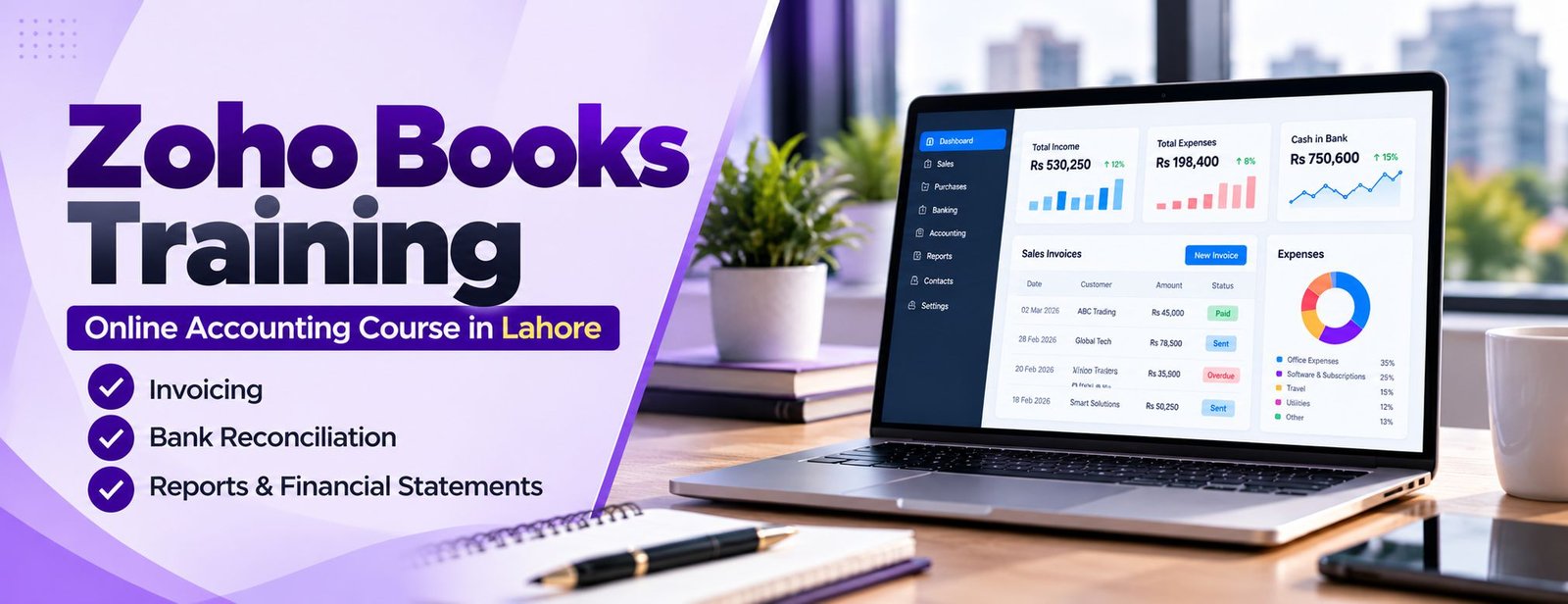
Zoho Books is cloud accounting software that runs in a browser. Quotes, invoices, bills, expenses, stock, bank feeds and reports all live in one place, so a small business in Multan can see its position without a stack of spreadsheets.
What a feature list does not tell you is the order of work and the reasons behind it. We teach that: why an advance is recorded before an invoice, how a credit note changes receivables, and what a bank reconciliation proves. Zoho publishes its feature list on the Zoho Books page.

Associate Charted Certified Accountant (ACCA)
Saad Nadeem is ACCA-qualified and has trained companies and individuals on accounting and BI software for 9+ years, so examples come from real business situations.
Cloud software and recorded lessons mean you can study from Multan or abroad, pause on a difficult entry and replay it as often as needed.
Recurring invoices, multi-currency, landed costs and budgeting prepare you for what clients actually ask of a bookkeeper.
Every entry is tied to the accounting reason behind it, which helps you troubleshoot instead of memorising clicks.

Rather than walking through the menus in order, the lessons follow the way a business actually works: sell, buy, receive, pay, reconcile, report. At each step the accounting reason is explained before the entry is made, so the software becomes a tool and not a script to memorise.
For a business in Multan, tidy books mean fewer arguments about who paid what. Zoho Books keeps invoices, bills and bank entries together, so the picture is always current.
After your practical training with Accountech Training & Solutions you should be able to set up a company in Zoho Books, record the full sales and purchase cycle, handle returns and advances, reconcile a bank account and read the main reports with confidence. The course is practice-based, so the outcome is something you have done yourself, not something you watched.
At the end you are given an Accountech certificate of completion as a record of your training. Employers and clients tend to be more persuaded by what you can demonstrate in Zoho Books than by any certificate alone, so keep your practice file ready.
Evidence beats claims. A clear walkthrough of the work you did in the course tells people that you understand cause and effect in the ledger, not just where the buttons are.
Choosing between providers is easier with a few direct questions. Is the trainer an accountant? Do you work on one company file from start to end? Can you replay lessons? Will someone answer your doubts?
These matter more than brochures. Accountech’s course is delivered online, so distance is not an issue for students in Multan; send us a message to discuss your goals before enrolling.
Whichever institute you pick, look for these points before you pay.
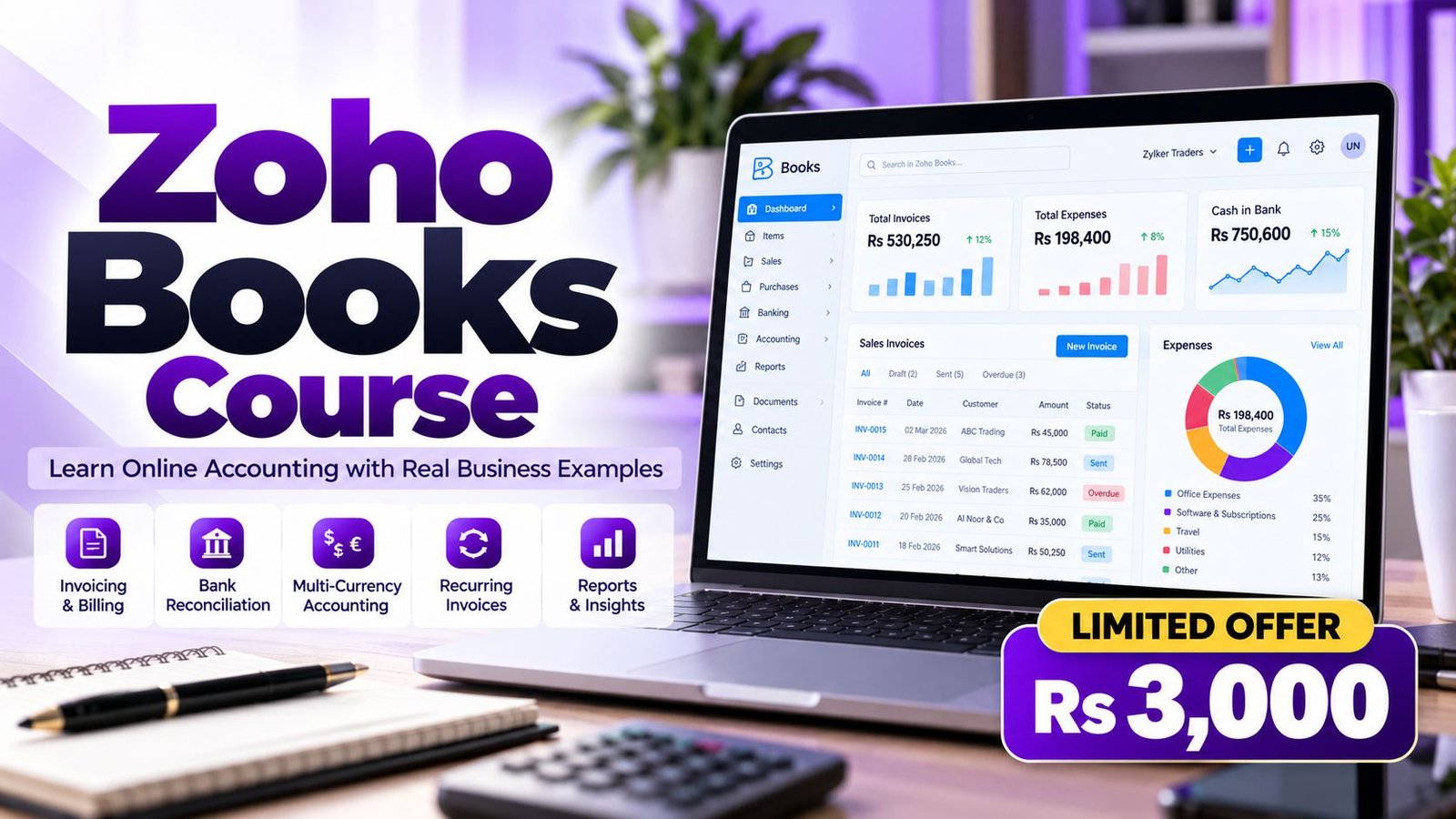
In short: Rs 3,000, one month, beginner to advanced. Students in Multan get the same recorded lessons as everyone else: 47 lectures, around 4 hours of video, 11 files to download and lifetime access, usable on a computer, phone or TV.
Plan some time every day for practice and finish with a certificate of completion. Enrol online or message us on WhatsApp if you would like guidance first.
The course is online and self-paced, so students in Multan can fit it around a shop, office or class. Log in, watch a lesson, then repeat the work in Zoho Books yourself.
Think of Zoho Books as a practical addition to an accounting skill set. It will not replace the fundamentals, but it helps you work faster and explain results to a manager or client.
Possible uses include bookkeeping support, receivables follow-up and small business administration. No course can guarantee employment, and demand changes over time.
Zoho Books handles multiple currencies and is used by businesses in many countries, so the skill is not limited to one market. If you invoice clients abroad or may work with an international team, foreign-currency invoices, exchange differences and remote bookkeeping are real advantages.
Remote work still depends on finding clients and building trust; the course provides the practical skills, not the sales.
Multan’s shops, agricultural suppliers, clinics and private schools around Bosan Road and the Cantt area depend on dependable credit records.
Situations where Zoho Books skills help include:
Opportunities depend on the market and on your own reputation. If several people in your company want to learn together, see corporate training.
Tip: after every lesson, redo the same entries on your own file without watching. If your numbers differ, find out why before moving on.
 Posted on Google
 usama ali
Trustindex verifies that the original source of the review is Google.
This course was good for beginnersPosted on Google Umair IqbalExcellent training experience! The trainer explained everything very clearly, and the session was informative, practical, and easy to understand. This is a very useful basic skill, and I believe everyone should learn it. Highly recommended!Posted on Google
 Waqar AliAccountech Training & solutions offers best practical courses they are really easy and beginners friendly with highly advanced skills and well-traned teachersPosted on Google
 Muhammad TariqBest Accounting material, I gained best knowledge and experience with Accoutech and also received E-certificate.Posted on Google
 Usama AsifI have completed my excel course. According to me, It is very helpful for the professional and highly recommend to all of you to gain your skills and become more competitive for the job marketPosted on Google
 Nasir AyoubI bought the Excel course and it exceeded my expectations. The content and teaching quality were outstanding. I also enrolled in other courses, and all are 5/5. Highly recommended for anyone who wants to learn practical skills.Posted on Google
 Jamshaid Ameer ShahExcellent mode of learning Best Teaching/Guidance 100% RecommendedPosted on Google
 ZA RizwanWith "Accountech Training & Solution" An absolutely wonderful and amazing training experience—truly inspiring and full of valuable learning! 🌟 Thanks Accountech & team.
Related courses at Accountech Multan:
Zoho Books training in other cities:
