
Peshawar’s businesses, from shops in Saddar and University Road to clinics and suppliers in Hayatabad, often trade across districts and sometimes across borders. Reliable invoicing and clear records help when payments arrive in several forms.
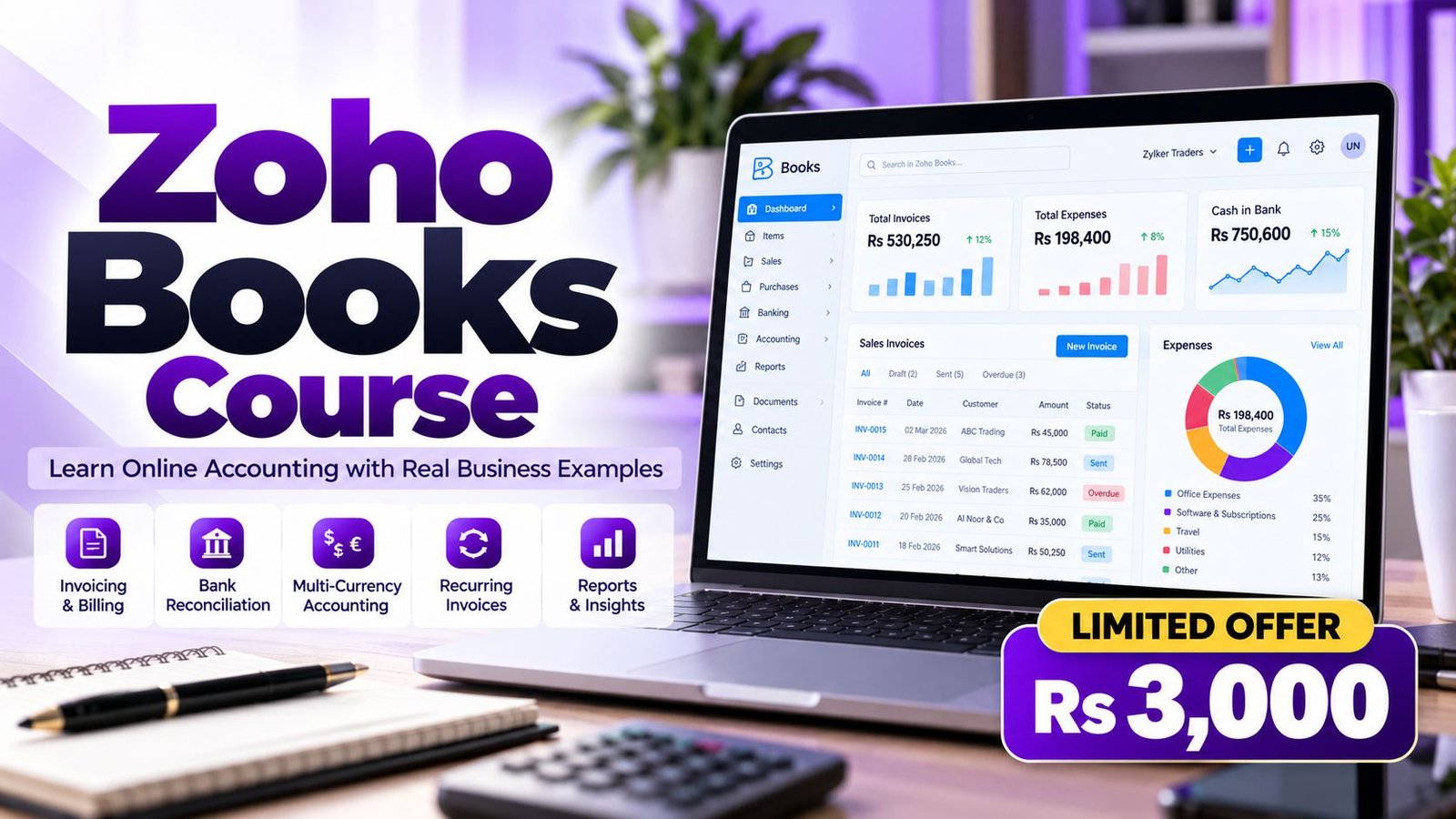
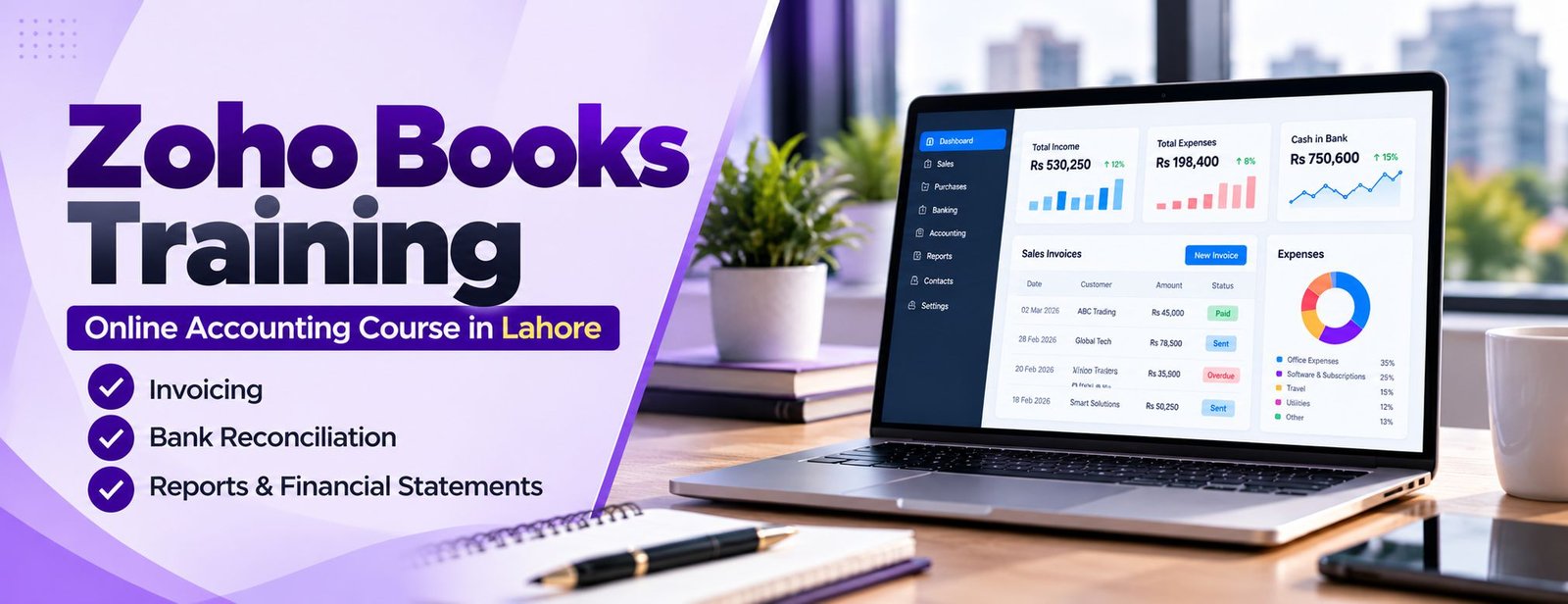
This course teaches Zoho Books, cloud accounting software that runs in a browser. You work on one practice company from set-up to reports, covering sales, purchases, returns, advances, bank reconciliation and multi-currency. It is online, so learners in Peshawar can study from anywhere.
Basic accounting knowledge helps, but each entry is explained as it is used. Access to Zoho Books itself is separate from the course fee, and Zoho’s plans change from time to time, so please verify current options before relying on a feature.
The modules below make up the Zoho Books course. Every module is practised on one continuous practice company, so the work you do in week one is still there, and still being tested, in week four.
A clean start decides how trustworthy every report will be later. This module takes you from a blank organisation to a company file that is ready for transactions.
Contacts and items are the master data behind every invoice and bill, so we set them up carefully before posting any transaction.
Many small-business books go wrong in the non-sales entries. This module shows how to record them properly and keep expense accounts meaningful.
The sales cycle is where most users spend their day. You practise every step, from first order to final collection, including the awkward cases.
Good purchase records protect your cash and your supplier relationships. This module mirrors the sales cycle on the payables side.
Businesses that sell to clients abroad or bill the same customers every month need automation and currency control. This module covers both.
Once the basics work, you shape the software around your business and put controls in place so it stays organised as the team grows.
The final module covers the topics that separate a basic user from someone who can manage a complete set of books.
Picture one browser tab holding a small company’s whole money cycle: invoices going out, bills coming in, stock moving and the bank statement matched against it all. That is Zoho Books, and nothing needs to be installed.
In the course you meet each part in the order a business meets it. A customer advance, a credit note after a sale, a recurring invoice and a reconciliation all land in the same ledger, which is why the reports begin to make sense. For the full feature list, the official Zoho Books page is the right reference; always check what your own plan includes before promising a client a feature.

Associate Charted Certified Accountant (ACCA)
Saad Nadeem is ACCA-qualified and has trained companies and individuals on accounting and BI software for 9+ years, so examples come from real business situations.
Cloud software and recorded lessons mean you can study from Peshawar or abroad, pause on a difficult entry and replay it as often as needed.
Recurring invoices, multi-currency, landed costs and budgeting prepare you for what clients actually ask of a bookkeeper.
Every entry is tied to the accounting reason behind it, which helps you troubleshoot instead of memorising clicks.

Software training fails when it teaches buttons without bookkeeping. Ours starts from the transaction: what happened in the business, which accounts it touches and only then how to record it in Zoho Books.
What do learners gain? Confidence, mostly. Once you have recorded a full cycle yourself, reports stop looking mysterious, and moving to another accounting tool becomes a matter of new screens, not new ideas.
After the course you will be able to:
All of this is practised on your own file, not only watched.
You receive an Accountech certificate of completion when you finish the course. Please treat it for what it is: a record that you completed the training, not a regulated qualification or a Zoho credential. Its value grows when you pair it with something you can show.
Saying you know Zoho Books is easy; showing it is more convincing. A clear walkthrough of your own practice company tells an employer or client that you understand the accounting, not only the screens.
A computer institute can show you menus, but accounting software is about transactions. Look for a course where you record a full business cycle yourself, including returns and advances, and where help is available between lessons.
If you are weighing tools, QuickBooks and Tally are also taught here, and the Zoho Books course can be joined online from Peshawar.
Before you pay, check:
Fee and duration: Rs 3,000 for one month. The recorded edition on Udemy has 47 lectures (about 4 hours), 11 downloadable resources and lifetime access, so you can revisit any lesson later.
You will also need access to Zoho Books itself to practise; check Zoho’s current plans and trial options and ask us if you need guidance. To begin, enrol online or use WhatsApp.
Because lessons are recorded, there is no timetable to miss. A typical day is one lesson, then a practice task on your own file, then a quick check of the matching report.
Any laptop or desktop can run Zoho Books in a browser.
Zoho Books knowledge is useful in a range of everyday finance roles.
Opportunities vary, and nothing here is a guarantee of work or earnings.
Because the software is global, learners in Peshawar can offer bookkeeping to clients in other countries too. Handling foreign-currency invoices and exchange differences correctly is the kind of detail that builds trust.
Finding clients, pricing and communication take time and are up to you; the course focuses on the accounting and the software.
Peshawar’s traders, clinics, schools and service firms in Saddar, University Road and Hayatabad handle many small and mid-sized transactions every day.
Situations where Zoho Books skills help include:
Treat these as examples, not promises. For group enrolment from one organisation, please read about our corporate training.
Tip: after each lesson, repeat the same entries on your file without watching. If your numbers differ from the lesson’s, find out why before you move on.
 Posted on Google
 usama ali
Trustindex verifies that the original source of the review is Google.
This course was good for beginnersPosted on Google Umair IqbalExcellent training experience! The trainer explained everything very clearly, and the session was informative, practical, and easy to understand. This is a very useful basic skill, and I believe everyone should learn it. Highly recommended!Posted on Google
 Waqar AliAccountech Training & solutions offers best practical courses they are really easy and beginners friendly with highly advanced skills and well-traned teachersPosted on Google
 Muhammad TariqBest Accounting material, I gained best knowledge and experience with Accoutech and also received E-certificate.Posted on Google
 Usama AsifI have completed my excel course. According to me, It is very helpful for the professional and highly recommend to all of you to gain your skills and become more competitive for the job marketPosted on Google
 Nasir AyoubI bought the Excel course and it exceeded my expectations. The content and teaching quality were outstanding. I also enrolled in other courses, and all are 5/5. Highly recommended for anyone who wants to learn practical skills.Posted on Google
 Jamshaid Ameer ShahExcellent mode of learning Best Teaching/Guidance 100% RecommendedPosted on Google
 ZA RizwanWith "Accountech Training & Solution" An absolutely wonderful and amazing training experience—truly inspiring and full of valuable learning! 🌟 Thanks Accountech & team.
Related courses at Accountech Peshawar:
Zoho Books training in other cities:
