
Traders around Saddar, Raja Bazaar and Murree Road in Rawalpindi keep stock, invoices and customer ledgers in several workbooks, and month-end means matching them line by line. The more suppliers or branches you have, the longer the matching takes.
Accountech’s online Power Query and Power BI course gives you a method for exactly this. Prepare the data, model it, write measures and design a report that refreshes instead of being rebuilt. Learning the stages in sequence means you understand why a number is right, not just how to draw it.
You will need comfortable spreadsheet skills before you start. If formulas and pivot tables need practice, begin with Advanced Excel training or the MS Office course, and see the wider Excel training options across Pakistan if you prefer to compare paths.
This syllabus is arranged so that nothing is taught before you need it. Data preparation comes first, relationships and DAX follow, and the dashboard modules come last, when you already trust your numbers.
You start by understanding where each tool fits, then connect to your first data sources and learn to read the Power Query editor.
This module covers the daily cleaning jobs that eat up analysts’ time, done once as repeatable steps instead of by hand each month.
Real data rarely arrives in one tidy table. Here you learn to reshape and combine sources so that analysis becomes easy.
You do not need to become a programmer, but a little M helps you read, adjust and troubleshoot what Power Query generates.
A good model makes every later step simpler. This module teaches you to organise tables the way Power BI expects them.
DAX is the formula language of the data model. You start with simple aggregations and build up to measures that answer real management questions.
Most management reports compare periods. This module shows how to build those comparisons with a proper Date table.
With a trusted model in place, you design the report pages people will actually open.
A dashboard succeeds when a busy manager can read it in half a minute. This module focuses on design choices rather than decoration.
The final module covers what happens after the report is built, including what the free and paid options allow.
Power Query is Microsoft’s data connection and transformation engine, explained in its official overview. It records each cleaning action as a step, so the same sequence runs again whenever the source data is refreshed. The same engine appears inside both Excel and Power BI Desktop, which means the skills you learn carry across both programs.
Power BI is Microsoft’s reporting and visualisation platform; see the Power BI overview for how Power BI Desktop and the online service fit together. In simple terms, Desktop is where you prepare data, model it and design reports, while the service is where finished reports are published and shared.
We teach all of this through business datasets such as sales ledgers, expense sheets, stock movements and customer lists, so you learn each tool in the context of a job it actually does. Typical practice tasks include:
The course scope is Power Query, Power Pivot, DAX and dashboards, taught step by step from beginner level to advanced.

Associate Charted Certified Accountant (ACCA)
Saad Nadeem is described on Udemy as a trainer, ERP consultant and BI specialist, and he teaches with finance and business examples in mind.
A one-month plan that suits working professionals, students and business owners, with lessons you can revisit whenever a topic needs a second look.
Learn on finance and sales style data, so every skill connects to a report you might build at work.
Ask questions and get guidance on WhatsApp 0331-8433334.
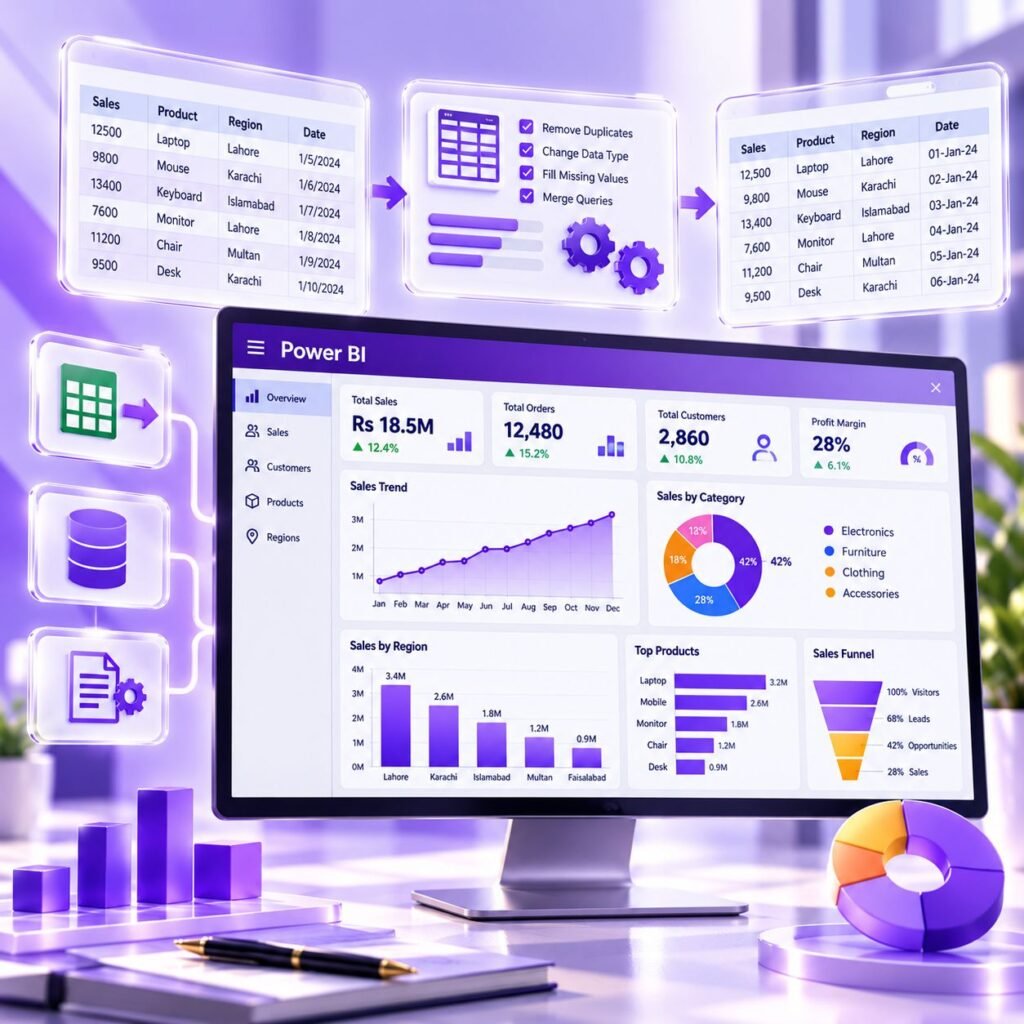
The order of topics is the main reason this course works. Reporting problems usually start with messy data, so we begin with preparation, move to relationships and DAX, and leave dashboards for the end.
Learners in Rawalpindi usually notice three benefits first: time, accuracy and confidence.
Beyond that, the course prepares a clean base for further study, such as business modelling in Excel. It is a strong skill set, not a promise of a particular job or salary.
If you are completely new to spreadsheets, spend a little time on Excel basics first; the course assumes you can already work comfortably with tables and simple formulas.
Expect to leave the course with practical skills you can demonstrate:
On completing the course you receive an Accountech certificate of completion, which records that you finished the training. It is issued by Accountech and is not a Microsoft credential.
Microsoft offers its own Power BI certifications through its learning platform, which you can explore separately after this course. Whether or not you pursue one, a portfolio of dashboards is persuasive evidence of skill, because it lets an employer see what you can actually build.
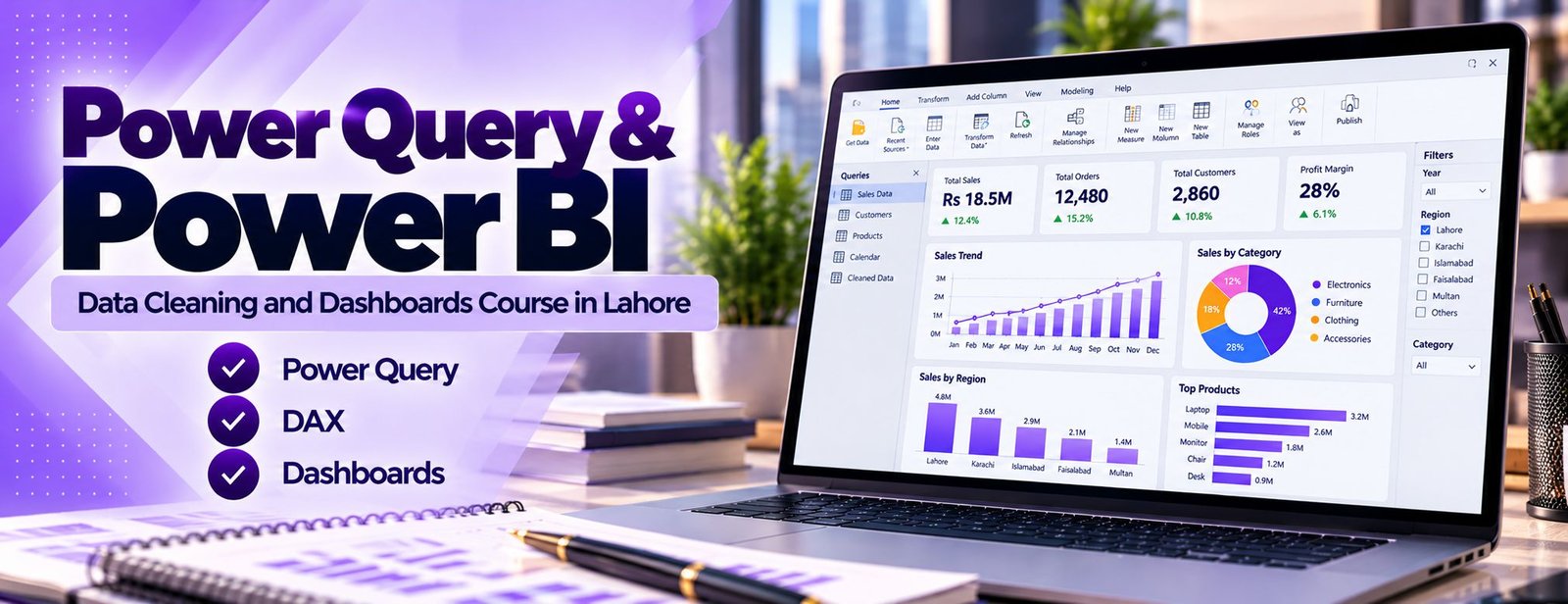
Reporting and analyst interviews often start with the question: what have you built? A small portfolio lets you answer with evidence.
Remember to remove any private company data before you show your work.
Do not choose a Power BI course on its dashboard gallery alone. The real value lies in data preparation, relationships and DAX, which decide whether your report is correct.
Look for practice files, post-lesson support and an honest outline. If you need to build basic spreadsheet skills first, see our Excel course, and if you are unsure of your level, use the contact page and we will suggest a starting point.
Ask about:
Be cautious of any course that promises a job or a salary; skills help, but results depend on your practice and the market.
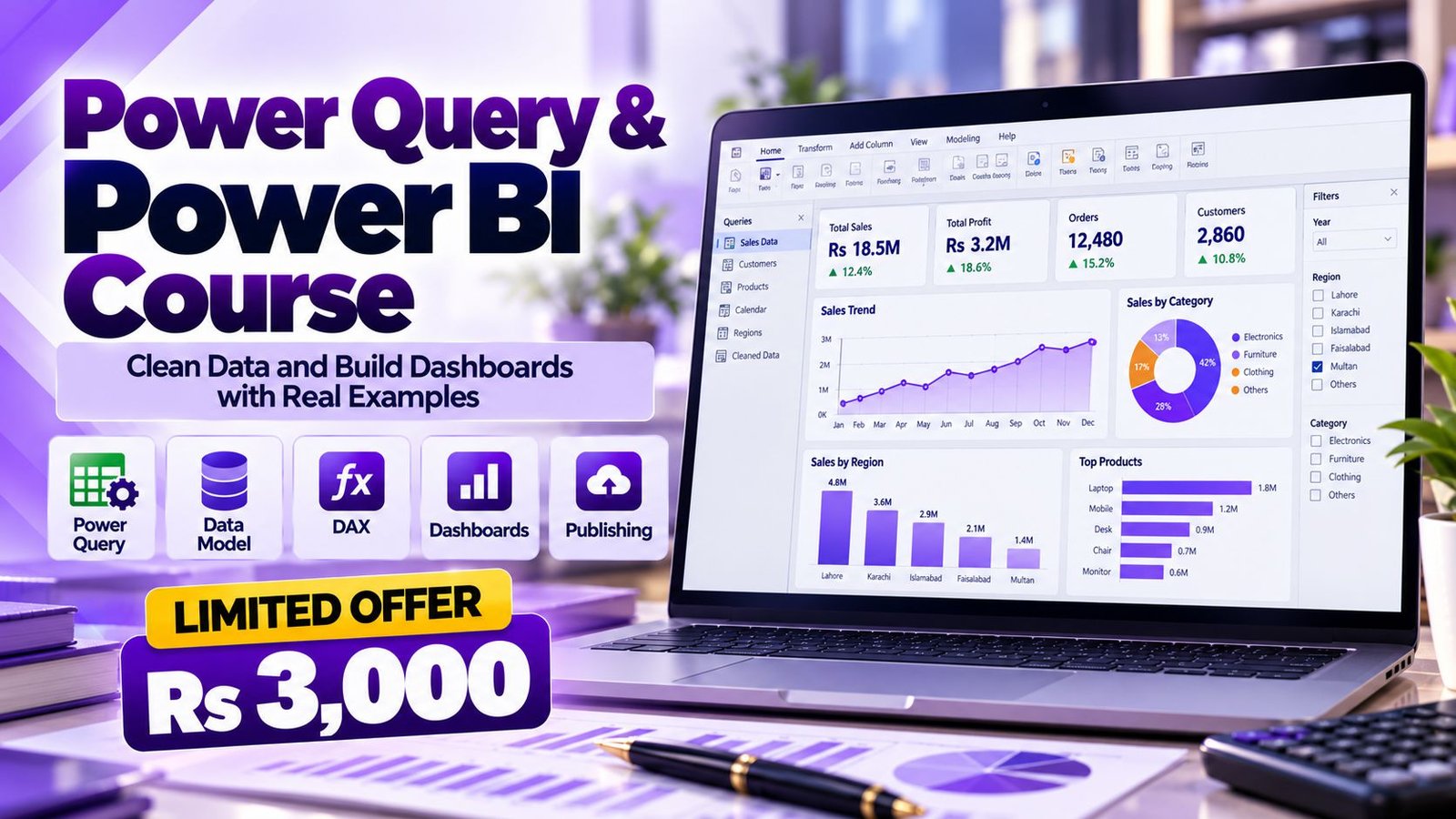
The Power Query and Power BI course at Accountech costs Rs 3,000 and runs for one month, from beginner to advanced level. Software is separate: Power BI Desktop is a free download for Windows, while sharing in the Power BI service depends on your licence, so please check Microsoft’s licence types page before a team rollout.
To enrol, use the contact page or WhatsApp 0331-8433334 (+92331-8433334), and ask about a free demo class first if you wish.
Online delivery means a student in Rawalpindi gets the same lessons as anyone else, without a commute.
Use a Windows laptop or desktop for Power BI Desktop; 8 GB of RAM is comfortable for the practice files.
Where could Power BI knowledge be used? Typical areas include:
No course can promise a job. What it can do is give you a skill that many reporting roles ask about, plus a project you can show. Check real listings, compare requirements and keep practising on new datasets.
Power BI is used by organisations worldwide, supporting remote analyst opportunities. Freelance marketplaces and remote job boards regularly list reporting and dashboard tasks, and clients abroad often care more about a working portfolio than a degree.
To compete well, combine Power BI with strong English communication, a solid grasp of business or accounting concepts and, if you wish to go further, a language such as Python; see our Python course in Urdu and Hindi. Check each role’s requirements for deeper skills, and treat this course as a strong foundation rather than a complete qualification.
Rawalpindi’s markets and businesses, from Saddar and Raja Bazaar to Murree Road and the industrial areas, as well as its hospitals and schools, all depend on timely stock and sales reports.
Common situations where these skills help include:
Want your whole department to learn this? Ask about corporate training and we will suggest a plan.
The planned duration is one month. Learners who practise a little every day usually finish with time to spare for the final project.
The course fee is Rs 3,000. This covers the training itself; any software or Microsoft licensing costs are separate.
Yes, basic to intermediate Excel is helpful. You should be comfortable with tables, formulas and ideally pivot tables, because Power Query and Power Pivot build on those ideas.
Yes, DAX is part of the course scope along with Power Pivot and dashboards. You learn measures, calculated columns, filter context and common time-intelligence calculations.
Yes, the training is online, and you can ask questions on WhatsApp 0331-8433334.
Power BI Desktop is available from Microsoft as a free download for Windows, so you can practise without buying it. Publishing and sharing through the Power BI service depends on the licence type, so confirm the current terms on Microsoft’s site.
Power BI Desktop is a Windows application, so a Windows laptop or desktop is the practical choice for practice. Check Microsoft’s current documentation if you are considering other setups.
No. Power Query is also available in Excel, where it appears as Get and Transform Data, and the same ideas apply in both. Learning it once helps in either program.
You receive an Accountech certificate of completion. It is not a Microsoft certification; Microsoft’s own exams are separate and can be explored after the course.
Yes, it is a very good fit. Finance professionals already understand ledgers, budgets and ageing reports, so they quickly see how Power BI can automate and improve the reports they already produce.
Practise with your own data after each lesson. Repeating the workflow is the quickest route to confidence. If you have a question that is not answered above, message us on WhatsApp 0331-8433334 or visit the contact page, and we will reply.
 Posted on Google
 usama ali
Trustindex verifies that the original source of the review is Google.
This course was good for beginnersPosted on Google Umair IqbalExcellent training experience! The trainer explained everything very clearly, and the session was informative, practical, and easy to understand. This is a very useful basic skill, and I believe everyone should learn it. Highly recommended!Posted on Google
 Waqar AliAccountech Training & solutions offers best practical courses they are really easy and beginners friendly with highly advanced skills and well-traned teachersPosted on Google
 Muhammad TariqBest Accounting material, I gained best knowledge and experience with Accoutech and also received E-certificate.Posted on Google
 Usama AsifI have completed my excel course. According to me, It is very helpful for the professional and highly recommend to all of you to gain your skills and become more competitive for the job marketPosted on Google
 Nasir AyoubI bought the Excel course and it exceeded my expectations. The content and teaching quality were outstanding. I also enrolled in other courses, and all are 5/5. Highly recommended for anyone who wants to learn practical skills.Posted on Google
 Jamshaid Ameer ShahExcellent mode of learning Best Teaching/Guidance 100% RecommendedPosted on Google
 ZA RizwanWith "Accountech Training & Solution" An absolutely wonderful and amazing training experience—truly inspiring and full of valuable learning! 🌟 Thanks Accountech & team.
Related courses at Accountech Rawalpindi:
Power Query & Power BI course in other cities:
