
Get Peachtree Accounting Training in Peshawar from an 8+ Years Experience Trainer
- Taught by Udemy instructor with 58,577+ learners
- Practical trading and manufacturing exercises
Peachtree Accounting Training in Peshawar | Small Business Accounting
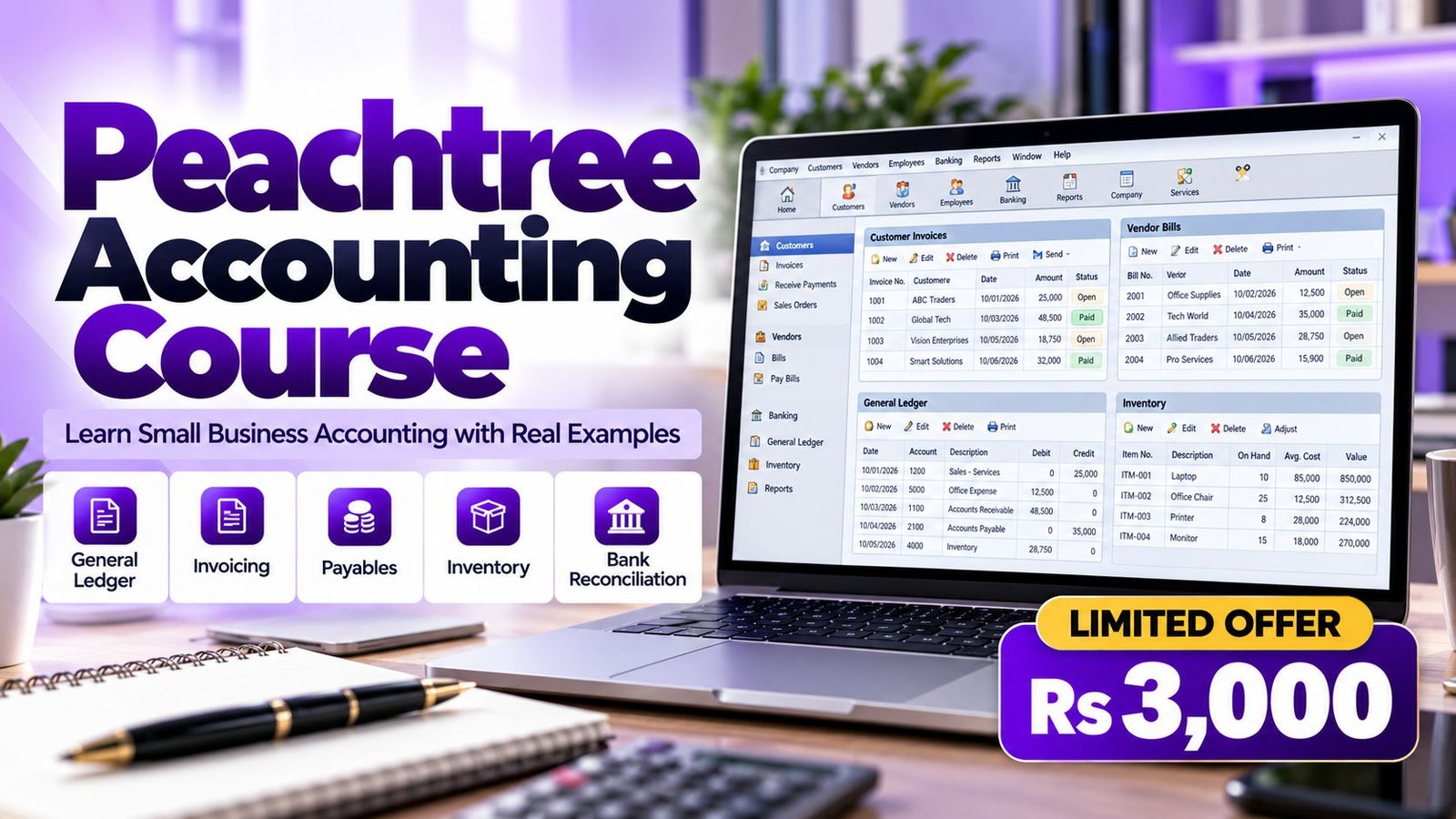
Peachtree Training in Peshawar from Accountech is for anyone who wants to learn bookkeeping on a simple, proven accounting package. It suits business owners moving off notebooks, clerks who have taken over an older company file, and students looking for a practical first system.
Peachtree was later rebranded as Sage 50 in the United States, so the way of working you learn carries into newer releases. If you are still deciding which package suits your career, our computerized accounting courses page explains the options, and you can compare Peachtree with QuickBooks training and Tally training before you commit.
Instead of touring menus, we follow what happens in an office: create the company, load opening balances, post a month of transactions, manage stock, reconcile the bank and test the reports. You walk away with a complete practice file you can show and explain.
Everything is delivered online through recorded lessons, so your location in Peshawar does not matter, and the trainer answers questions on WhatsApp. Peshawar is the provincial capital of Khyber Pakhtunkhwa and a long-standing trade gateway, with areas such as Saddar, Khyber Road and the Hayatabad industrial estate, with businesses such as traders, dry-fruit and cloth merchants, small manufacturers and service firms.
Peachtree Course Content
Below are the modules included in the course. They are taught in sequence on one practice file, so you finish with a complete set of books rather than a pile of unrelated exercises.
Start with the accounting cycle and then build a new company file the way a real business would, including the choices that are hard to change later.
- How double-entry bookkeeping maps onto Peachtree’s ledgers and subledgers
- Creating a new company and entering name, address and business type
- Choosing between cash and accrual accounting and understanding the difference
- Setting the fiscal year and posting periods so entries land in the right month
- Navigating the main areas: Customers & Sales, Vendors & Purchases, Inventory, Banking and reports
- Setting up users, backing up the company file and restoring it safely
A clean chart of accounts is the foundation of every report. This module shows how to design one for a Pakistani trading or service business and how to start the books without carrying errors forward.
- Account types: assets, liabilities, equity, income, cost of sales and expenses
- Creating, editing and numbering general ledger accounts in a logical order
- Entering opening balances for ledger accounts, customers, vendors and stock
- Checking that the opening trial balance agrees before posting any transaction
- Making general journal entries for adjustments, accruals and corrections
- Common set-up mistakes, such as wrong account types and duplicate accounts, and how to fix them
Learn the full sales cycle from the first quote to the money arriving in the bank, and see how each document updates receivables automatically.
- Creating customer records with contact details, terms and credit limits
- Recording quotes, sales orders and sales invoices
- Receiving payments and applying them to specific invoices
- Issuing credit memos for returns and discounts
- Printing customer statements and following up overdue balances
- Reading the aged receivables report to decide who to chase first
- Sales tax set-up and how it appears on invoices and reports
Control what you owe and when you pay. This module covers purchasing from order to payment so that supplier balances are always accurate.
- Creating vendor records with payment terms and default expense accounts
- Recording purchase orders and receiving goods against them
- Entering vendor bills and linking them to inventory or expense accounts
- Paying bills by cheque and recording partial payments
- Handling purchase returns and vendor credits
- Reading the aged payables report to plan cash outflow
- Matching vendor statements with your own records
Stock is where many small businesses lose track of profit. You will set up items properly and understand how quantity and value move through the books.
- Creating inventory items with item class, description, price and cost
- Choosing a costing method and understanding what it does to cost of sales
- Recording purchases that increase stock and sales that reduce it
- Making inventory adjustments for damage, shortages and stock-take differences
- Assembly items for simple manufacturing examples, such as combining parts into a finished product
- Reorder levels and reading inventory valuation and stock status reports
Cash is the first thing an owner or auditor checks. Here you practise the routine that proves your books against the bank statement.
- Writing cheques and recording deposits
- Transferring funds between bank and cash accounts
- Recording bank charges, mark-up and other items that appear first on the statement
- Reconciling the account to the statement, one transaction at a time
- Investigating differences caused by uncleared cheques or wrong amounts
- Printing the reconciliation report as proof for your accountant
Reports turn daily entries into decisions. You will learn which reports to run, what they show and how to confirm they are consistent.
- Trial balance and general ledger report for checking postings
- Income statement and balance sheet for management and tax advisers
- Aged receivables and aged payables for credit control
- Customer, vendor and inventory reports for operational review
- Filtering reports by period and customising columns
- Exporting reports so they can be sent to owners or accountants
Closing a month properly is a discipline. This module gives you a checklist you can reuse in any business and any software.
- A month-end checklist: unposted entries, unreconciled banks, open orders and stock counts
- Reviewing the audit trail to see who posted what and when
- Correcting wrong invoices, wrong dates and wrong accounts the right way
- Understanding what closing a fiscal year does to income and expense accounts
- Backing up before any major step and keeping dated copies
Put everything together in a complete exercise for a small trading business, from setup to the final reports.
- Set up the company, accounts and opening balances from a given trial balance
- Post a month of sales, purchases, receipts and payments
- Handle returns, discounts and a stock adjustment
- Reconcile the bank account and review aged balances
- Present the trial balance, income statement and balance sheet
A second exercise adds the extra thinking that manufacturing and assembly businesses need.
- Buying raw materials and recording them as stock
- Assembling finished goods from component items
- Selling finished goods and checking the margin
- Reviewing inventory valuation before and after production
- Explaining the results in plain language as you would to an owner
Overview of Peachtree Accounting Software
Peachtree was a desktop bookkeeping and accounting program aimed at small and mid-sized businesses. Its modules handled the general ledger, customers, vendors, stock and bank accounts, and some editions added payroll and job costing. In the United States Sage renamed it Sage 50, and the vendor’s product page states that the rebrand kept the core features.
For a learner this is good news. The accounting behind the screens is unchanged: invoices feed receivables, bills feed payables, and a reconciliation proves the bank balance. Once you understand the cycle, moving between Peachtree, Sage 50 and similar tools is mostly a question of finding the right menu.
Plenty of businesses still keep old Peachtree or Sage 50 company files and need a person who can read them, fix errors and print clean reports. That person is usually the one who practised on a real file. Our Sage Line 50 training page covers the UK-style relative of this product.
Instructors

Associate Charted Certified Accountant (ACCA)
This course includes:
- Online training with practice exercises
- Trading and manufacturing company examples
- Taught by Saad Nadeem (ACCA)
- Course duration: 1 month
- Support on WhatsApp 0331-8433334
- Study from anywhere, at your own pace
- Recorded lessons you can replay at your own pace
- Certificate of completion from Accountech
Why Choose Us
Saad Nadeem, ACCA, has implemented accounting software in companies and teaches with real business examples, not only textbook ones.
Online recorded lessons on a one-month plan that fit around a job, a shop or university timetable.
A low-cost course at Rs 3,000, aimed at small businesses and first-time learners who cannot afford an expensive package.
Message us on WhatsApp 0331-8433334 for any questions.
Why Study Peachtree at Accountech?
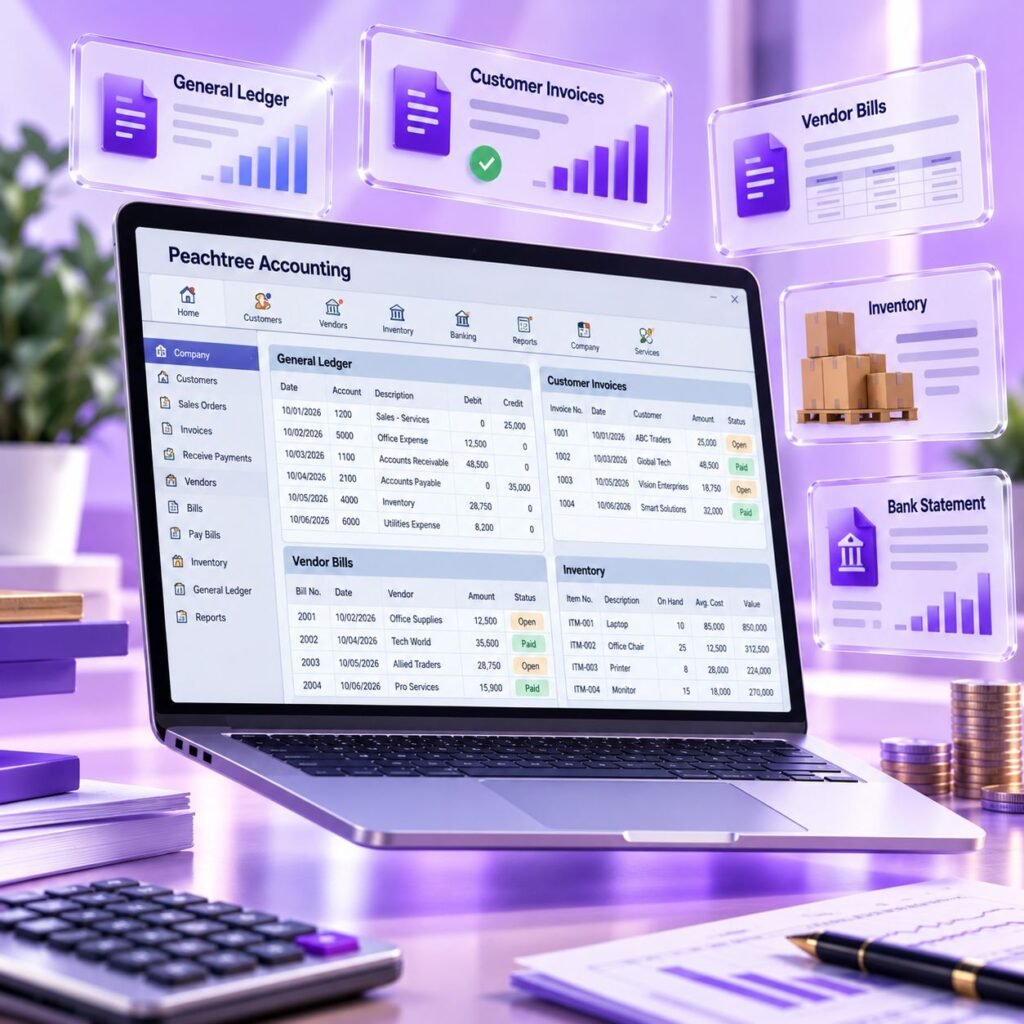
We built this course for people who want to be able to explain their work, not just click through it. You will know why a balance sits where it does and what each report is telling you.
- Practical cases: trading and light manufacturing, with stock and bank activity.
- Finished work: a posted and reconciled company at the end of the month.
- Error practice: typical slips such as wrong dates or accounts, and the clean way to repair them.
- Honest about the software: Peachtree became Sage 50, so you can pick the right tool later.
- WhatsApp help: a direct line to the trainer when you are stuck.
The result is a skill you can show, not just a certificate you can frame.
Why Learn Peachtree in Peshawar
For a small business the real benefit of an accounting package is time and trust. You spend less time searching for entries and more time acting on what the numbers say. Peachtree gives you that without a heavy price tag.
- Time saved: entries post once and flow into every report.
- Accuracy: reconciliations catch what a handwritten ledger would hide.
- Better conversations: clear aging and statements make customer follow-ups easier.
- Transferable skill: subledgers, inventory and reconciliation are needed in every system.
Peachtree Training is Ideal For:
- Small business owners on a limited software budget who want to stop keeping books in notebooks
- Accounts clerks and accounts assistants who need a practical, step-by-step introduction
- Accounting and commerce students (B.Com, ACCA, CA, ICMAP, BBA) wanting a first accounting package
- Shop, wholesale and distribution managers who track stock and credit customers
- Bookkeepers who inherit Peachtree or Sage 50 files from a previous employee
- Freelance bookkeepers who support several small clients
- Family business members preparing to take over the accounts
- Professionals changing careers into office accounting roles
- Fresh graduates who want a hands-on skill to add to their CV
Peachtree Training Outcome
After your practical training with Accountech you should be able to do the following in Peachtree or Sage 50:
- Create a company, choose an accounting method and set fiscal periods
- Build a sensible chart of accounts and enter opening balances for ledgers, customers, vendors and stock
- Raise quotes, sales orders and invoices, and record receipts against them
- Record purchase orders, vendor bills and payments
- Maintain inventory items, adjustments and simple assemblies
- Complete a bank reconciliation and explain every difference
- Run financial statements and aging reports and check them for consistency
- Follow a month-end checklist and correct posting errors safely
- Take over an existing company file and understand what is in it
- Explain your work clearly to an owner, accountant or interviewer
Certification & Proof of Your Peachtree Skills
Every student who completes the course gets an Accountech certificate of completion. It records that you finished the training. It is not issued by Sage or by any government body, and we do not suggest otherwise. Since Peachtree lives on as Sage 50, there is no stand-alone Peachtree credential to promise.
Your best evidence is a practice company you can open and explain: posted sales and purchases, a reconciled bank account and reports that agree. Small employers tend to test practical ability first. For the vendor’s own overview, see the Sage 50 product page.
Ways to Demonstrate Peachtree Knowledge
Employers rarely ask for a single certificate; they want to see that you can do the work. A simple portfolio helps:
- Course proof: the completion certificate from Accountech.
- Working file: a practice company with a full month of activity.
- Reconciliation: a bank statement matched to the books, with notes.
- Reports: the usual statements plus aging for customers and vendors.
- Summary: a short page describing your set-up choices and corrections.
Why a Practice File Helps
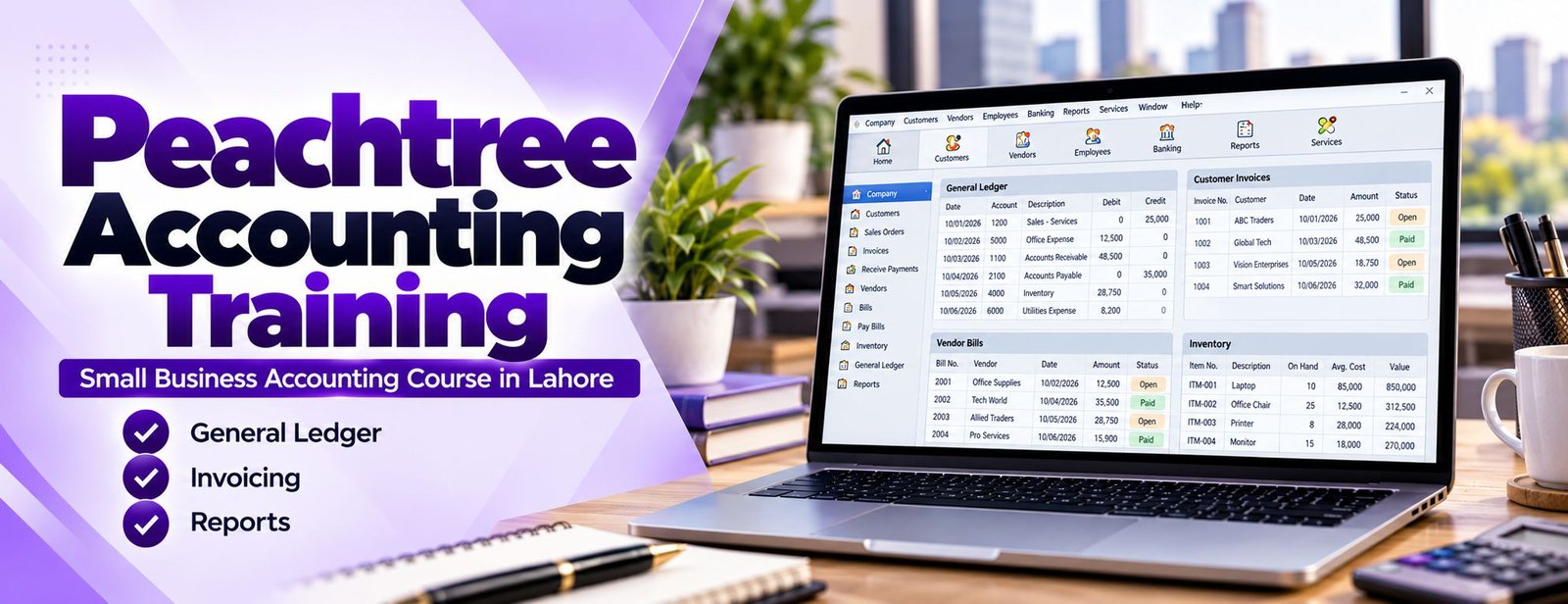
A practice file is evidence that you have done the work. It lets you:
- Walk an interviewer through a real transaction from invoice to bank deposit.
- Show accuracy through reconciliations and agreeing totals.
- Demonstrate that you understand the accounting, not just the screens.
- Move easily to Sage 50 or other packages, because the workflow is the same.
Keep a backup of your practice file and a PDF of the key reports so you can share them quickly when an opportunity appears.
How to Pick a Peachtree Course in Peshawar
A good provider for an older product like Peachtree is one that teaches transferable accounting, not just screens. That way a different-looking file will not stop you. Accountech is led by Saad Nadeem (ACCA) and also covers Advanced Excel, QuickBooks and Tally, so you can add skills step by step.
Not sure which course to start with? Contact us and tell us about your background and goal; we will suggest Peachtree, another package or both.
What to Look for in a Peachtree Course
A short checklist before you enrol in any accounting-software course:
- Does it use both trading and manufacturing examples?
- Does it teach reconciliation, aging and month-end, the things employers test?
- Will you keep a finished practice company?
- Can you ask questions after the lesson?
- Has the trainer worked with real business books?
- Are the fee, duration and delivery method stated up front?
Cheapest or longest is not the same as best. Pick the course where you will post, reconcile and report.
Peachtree Course Fee, Duration and Access
Accountech teaches Peachtree for Rs 3,000 over one month. Lessons are recorded and online, and you get practice exercises plus WhatsApp support.
Everything is included: the lessons, the practice company tasks and the certificate of completion. A month works well if you study a little every day; if you already know some accounting you may finish earlier. To join, visit the contact page or WhatsApp us at 0331-8433334 (+92331-8433334).
Peachtree Training Delivery Methods
Study at your own pace from Peshawar or anywhere else. Here is how the training works:
Guided video lessons
Every task shown from start to finish; rewatch as many times as needed.Practice work
Exercises based on trading and manufacturing businesses, checked against expected results.Chat help
Questions about a posting or report go to the trainer on WhatsApp 0331-8433334.
Companies that want to train a team can read about our corporate training.
Career Paths After Peachtree Training | Accounts Jobs
Peachtree skills support practical entry-level and mid-level accounting roles in small and medium businesses. We cannot promise a job, but these are the roles where the skills are used:
- Accounts clerk: enters sales invoices, vendor bills, receipts and payments and keeps party records tidy.
- Bookkeeper: posts daily transactions, reconciles bank accounts and prepares month-end reports for the owner.
- Accounts assistant: supports the accountant with aging reports, statements and follow-ups.
- Inventory or store accountant: maintains item lists, stock adjustments and valuation reports.
- Small business accountant: owns the books from opening balances to financial statements.
- Freelance bookkeeper: maintains clients’ books remotely, depending on client demand and the software they use.
Titles and duties differ from one employer to another, so read each job description and match it to what you can actually do in the software.
Global Opportunities with Peachtree Skills
Overseas, Peachtree is remembered as the forerunner of Sage 50. What travels across borders is the method: ledgers, receivables, payables, stock and reconciliation work the same way in Sage 50 and in cloud packages such as Xero. Before accepting remote work, ask which software and edition the client uses; it often differs.
The vendor describes the current product on its Sage 50 page.
Using Peachtree Skills in Peshawar
Peshawar is the provincial capital of Khyber Pakhtunkhwa and a long-standing trade gateway, with areas such as Saddar, Khyber Road and the Hayatabad industrial estate. The city has traders, dry-fruit and cloth merchants, small manufacturers and service firms. Many have outgrown notebooks and Excel sheets but cannot justify a large ERP, and some still keep older accounting files that need someone competent to maintain them.
- Traders and distributors need receivables and stock control.
- Small manufacturers need purchasing and cost visibility.
- Service firms need clean receipts, payments and monthly reports.
- Accountants and tax advisers prefer clients’ books in an organised form.
Peshawar firms that trade across several markets benefit from clear stock and party ledgers. We cannot promise any job or client, but a tidy, reconciled set of books is useful to every one of them. You can also read about Tally, widely used in Pakistan, and larger systems on our SAP training page, or explore corporate training for group sessions.
Not sure yet? Ask for a free demo class on WhatsApp and see the teaching style first.
Frequently Asked Questions (FAQs):
The planned duration is one month. Most learners who study a little every day finish the lessons and both practice companies within that time. Because lessons are recorded, you can revisit any topic afterwards.
The fee is Rs 3,000. It covers the recorded lessons, the practice exercises, WhatsApp support and your Accountech certificate of completion. You can confirm the current details on WhatsApp 0331-8433334.
Peachtree continued as Sage 50, and the vendor states the newer product keeps the core features. Many small firms also keep older files, so the accounting workflow is still useful, and it transfers to other packages.
Basic knowledge helps, but it is not compulsory. We explain the accounting logic, such as debits, credits and why a reconciliation matters, alongside each task so beginners can follow.
Training is delivered online through recorded lessons. Message us on WhatsApp 0331-8433334 for any questions.
Peachtree was rebranded as Sage 50 in the United States, and Sage describes Sage 50 as its continuation. Screens and some features have changed over the years, so we teach the common workflow and tell you to check the version your employer uses.
Yes, you receive an Accountech certificate of completion. It shows that you finished our training; it is not a vendor qualification and we do not claim it is recognised by any outside organisation.
It depends on where you want to work. Look at the jobs you are targeting and the software they name, then choose one. Our computerized accounting courses page compares the main options, or you can message us for advice.
Yes. Besides trading examples, the course includes a manufacturing scenario with raw materials, assembly of finished goods and inventory valuation. It is introductory and suits small units; large production environments usually need an ERP.
Fill in the enquiry form or send us a message on WhatsApp 0331-8433334. We will confirm the fee, share the lesson access details and answer any questions before you start.
The best advice we give every student is simple: begin with a fresh practice file, post each exercise and reconcile before you move on. If you are unsure about the fee, the syllabus or which package fits your goals, talk to Accountech or WhatsApp 0331-8433334.
Our Students Feedback
 Posted on Google
 usama ali
Trustindex verifies that the original source of the review is Google.
This course was good for beginnersPosted on Google Umair IqbalExcellent training experience! The trainer explained everything very clearly, and the session was informative, practical, and easy to understand. This is a very useful basic skill, and I believe everyone should learn it. Highly recommended!Posted on Google
 Waqar AliAccountech Training & solutions offers best practical courses they are really easy and beginners friendly with highly advanced skills and well-traned teachersPosted on Google
 Muhammad TariqBest Accounting material, I gained best knowledge and experience with Accoutech and also received E-certificate.Posted on Google
 Usama AsifI have completed my excel course. According to me, It is very helpful for the professional and highly recommend to all of you to gain your skills and become more competitive for the job marketPosted on Google
 Nasir AyoubI bought the Excel course and it exceeded my expectations. The content and teaching quality were outstanding. I also enrolled in other courses, and all are 5/5. Highly recommended for anyone who wants to learn practical skills.Posted on Google
 Jamshaid Ameer ShahExcellent mode of learning Best Teaching/Guidance 100% RecommendedPosted on Google
 ZA RizwanWith "Accountech Training & Solution" An absolutely wonderful and amazing training experience—truly inspiring and full of valuable learning! 🌟 Thanks Accountech & team.

Related courses at Accountech Peshawar:
- Tally training in Peshawar
- Xero accounting training in Peshawar
- Excel Financial Modeling course in Peshawar
Peachtree accounting training in other cities: