
Get Excel Business Modeling Training in Sukkur from an 8+ Years Experience Trainer
- Taught by Udemy instructor with 58,577+ learners
- Scenario, sensitivity and forecasting focus
Excel Business Modeling Course in Sukkur
As a trade and transport hub, Sukkur sees goods and money move across upper Sindh every day. Traders and small processors benefit from a model that shows how stock, price and payment terms affect cash.
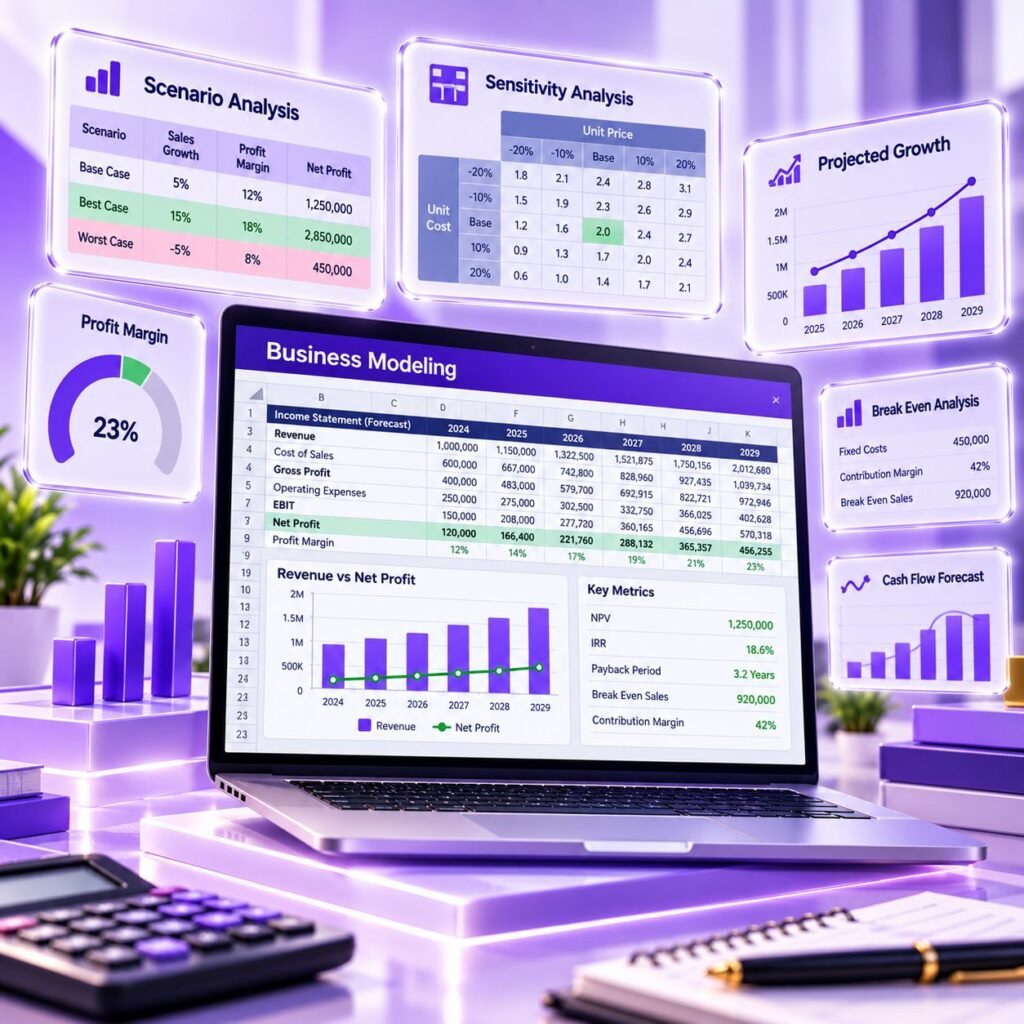
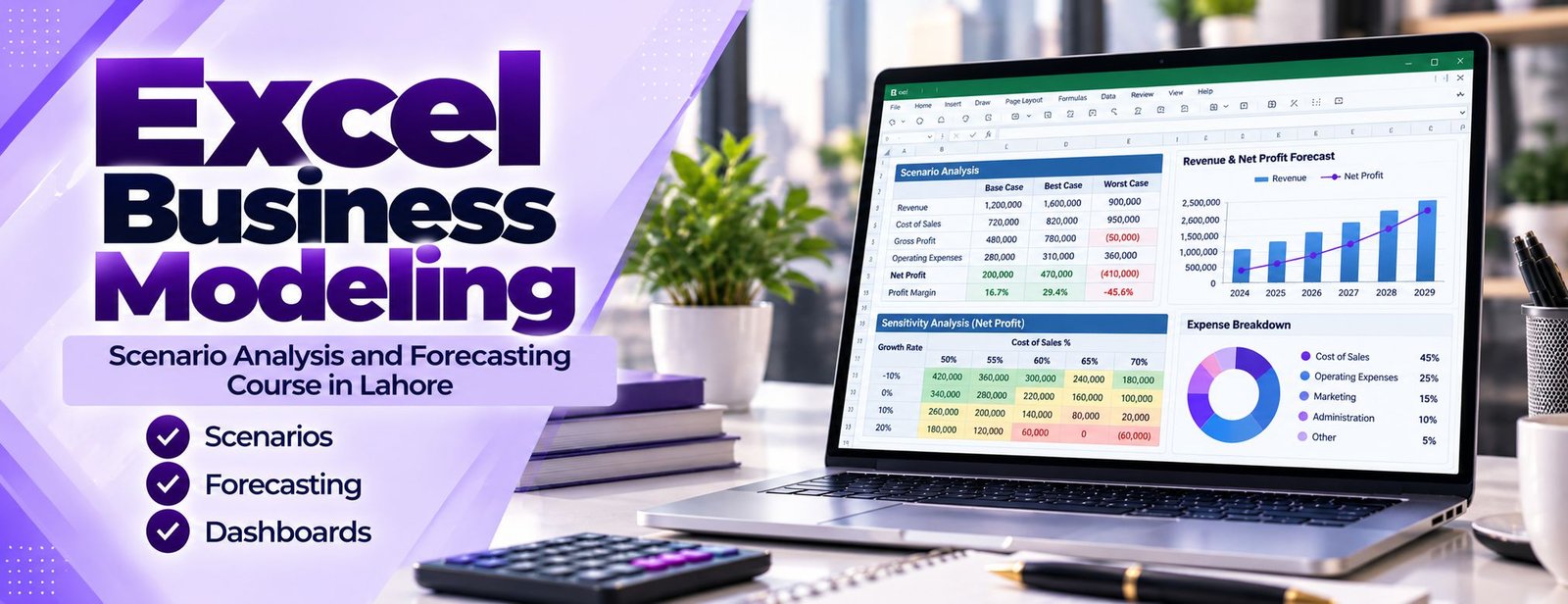
You build one in this course: clear assumptions, a scenario switch for different market conditions, sensitivity tables and a dashboard summarising the outcome.
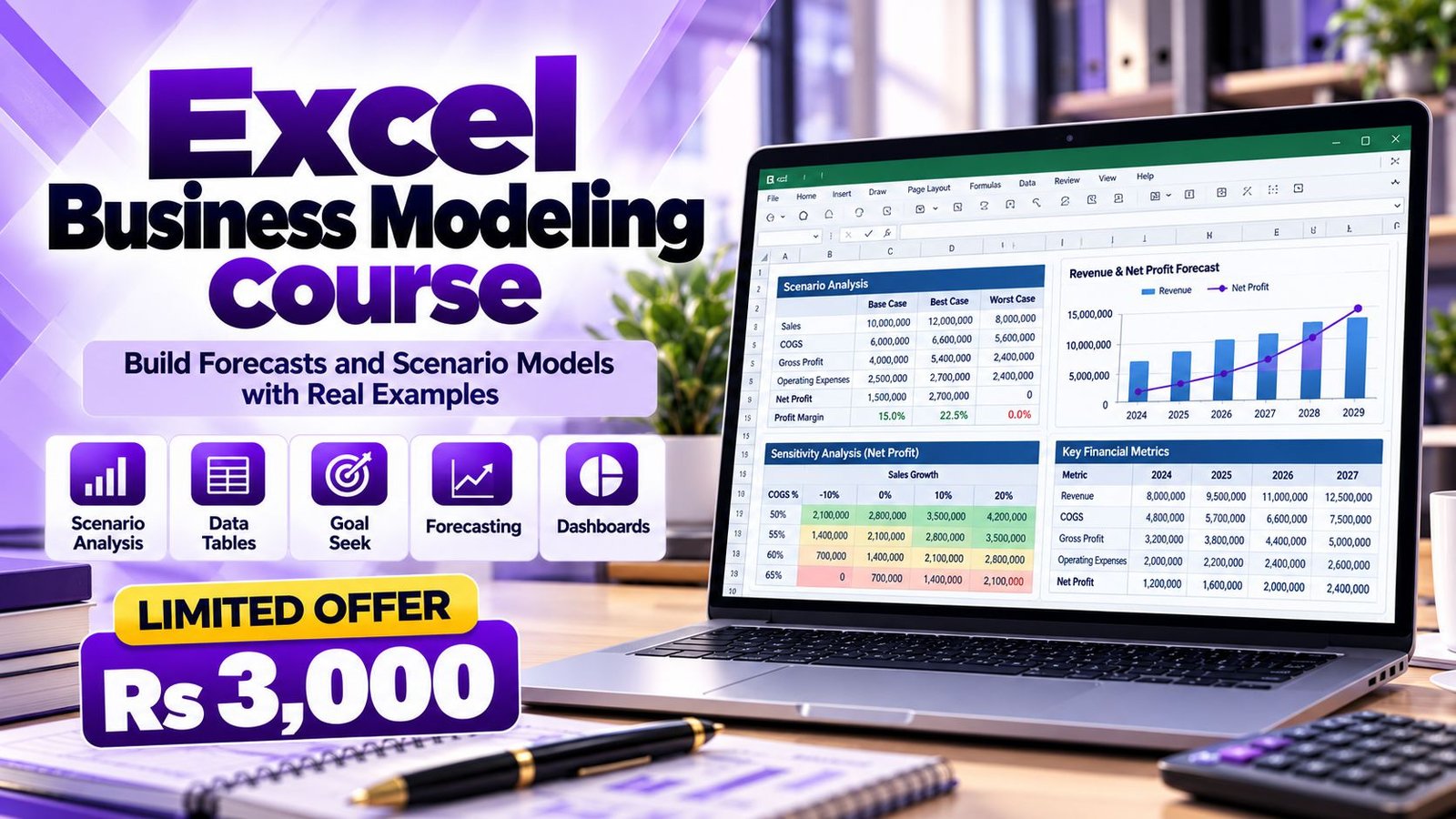
This course is delivered online, so learners anywhere in Sukkur can study around work or classes without a commute. You get recorded lessons, practice models to rebuild yourself and a certificate of completion for Rs 3,000. It suits analysts, managers, accountants and business owners in Sukkur who already use Excel and want to plan with it.
Excel Business Modeling Course Content
Here is what the course covers, in the order you will use it: structure, drivers, scenarios, what-if tools, forecasting, dynamic lookups, financial calculations, dashboards, model review and a capstone practice model.
Most broken spreadsheets fail because of layout, not formulas. This module teaches you to design before you build.
- Separating inputs, calculations and outputs on different sheets or clearly marked areas
- Consistent formatting conventions for inputs, formulas and checks
- Named ranges and when they help (and when they hide too much)
- One formula per row or column, copied across, instead of patched cells
- Avoiding hard-coded numbers buried inside formulas
- Built-in checks: totals that must match, balance tests and error flags
- Using Data Validation to stop wrong entries in input cells
- Protecting formula cells and documenting the model on a cover sheet
A model is only as honest as its assumptions. Here you learn to find the few drivers that really move the result and to record where each number came from.
- Breaking revenue into volume, price, mix and discount drivers
- Cost behaviour: fixed, variable and step costs
- Building a clean assumptions sheet with units, sources and dates
- Linking monthly or yearly assumptions to the calculation sheets
- Growth rates, inflation, exchange-rate and seasonality inputs
- Working capital drivers such as receivable days and stock days
- Common mistakes: mixing percentages and amounts, and unit mismatches (thousands versus millions)
Managers rarely want one answer. They want a base case, a cautious case and an optimistic case, side by side. This module shows several ways to build that safely.
- Designing base, best and worst cases with a single scenario selector cell
- Switching assumptions with CHOOSE, INDEX or lookup formulas
- Using Excel’s Scenario Manager and its summary report, and understanding its limits
- Building a side-by-side scenario comparison table for management
- Stress-testing a model with extreme but plausible inputs
- Documenting what each scenario means in plain business language
Sensitivity analysis shows how far one or two inputs can move before a decision changes. You will use Excel’s built-in what-if tools and learn when each one fits.
- One-variable and two-variable Data Tables for profit, margin or cash outputs
- Goal Seek for solving a single input, such as the sales volume needed to break even
- An introduction to Solver for problems with constraints, such as product mix or budget allocation
- Break-even and margin-of-safety analysis
- Why Data Tables can slow a large workbook, and how the calculation options affect them
- Reading sensitivity grids and highlighting the zone where a project stops working
Forecasting turns history into a view of the coming months. You learn simple, explainable methods first and then Excel’s built-in forecasting aids.
- Percentage growth, moving averages and run-rate forecasts
- Trend forecasting with the FORECAST.LINEAR and TREND functions
- Seasonal patterns and the FORECAST.ETS family of functions
- Creating a Forecast Sheet from historical data and reading its confidence range
- Rolling 12-month forecasts that update when a new month of actuals is added
- Comparing forecast with actual results and measuring forecast error
- Knowing when a statistical forecast is the wrong tool
Flexible models depend on formulas that keep working when rows are added, products change or a manager asks for another view.
- INDEX with MATCH, and XLOOKUP where your Excel version supports it
- SUMIFS, COUNTIFS and AVERAGEIFS for summarising model data
- Date logic with EOMONTH, EDATE and SUMPRODUCT-style conditions
- Structured Excel Tables so ranges expand automatically
- Dynamic array functions such as FILTER, UNIQUE and SORT (available in Microsoft 365 and Excel 2021 or later)
- IFERROR used carefully, so errors are handled rather than hidden
- Reducing volatile functions that make workbooks slow
Many business questions end with a money-over-time answer. This module covers the calculations that most often sit inside planning models.
- Loan and instalment schedules using PMT, IPMT and PPMT
- Discounting with NPV and IRR, and XNPV and XIRR for irregular dates
- Payback period and simple project appraisal
- Depreciation schedules for equipment and vehicles
- A simple monthly cash-flow projection with opening and closing balances
- Budget versus actual variance layouts
A good model can still fail in the meeting room if the output is cluttered. This module is about showing the answer clearly.
- Choosing the right chart: column, line, waterfall-style bridge or combo
- KPI summary blocks that update with the scenario selector
- Interactive controls using drop-down lists, slicers and form controls
- PivotTables and PivotCharts for exploring model outputs
- Conditional formatting to flag risks and thresholds
- Print setup and a one-page management summary
Before anyone relies on a model, someone should try to break it. You will learn to review your own work and inherited files.
- Formula Auditing tools: Trace Precedents, Trace Dependents and Evaluate Formula
- Spotting inconsistent formulas, hard-coded overrides and circular references
- Reconciling model totals back to source data
- Version control habits: file naming, change logs and a locked final copy
- A review checklist you can reuse for any workbook
You finish by building a complete model around a business question, from blank workbook to presentation-ready output.
- Choosing a realistic case such as a sales forecast, a pricing decision or a new-branch plan
- Setting up inputs, scenarios, calculations and a sensitivity table
- Adding checks and a short assumptions note
- Presenting results in a summary view for a non-technical reader
- Reviewing and improving the model against the checklist
Overview of Excel Business Modeling
Business modeling is the discipline of turning a plan into numbers you can test. A sales plan, an expansion idea or a budget becomes a workbook where each assumption is visible and adjustable.
Excel suits this because the logic stays transparent. You will use scenario analysis, sensitivity tables and forecasting tools to see which assumptions matter most and where the risk sits.
The lessons work for analysts, managers and business owners with solid Excel basics.
Instructors

Associate Charted Certified Accountant (ACCA)
This course includes:
- Online training with recorded lessons and practice models
- Scenario, sensitivity and forecasting exercises
- Taught by Saad Nadeem (ACCA)
- Course duration: 1 month
- Certificate of completion
- Support on WhatsApp 0331-8433334
- Sukkur office: 182-Y Block, DHA Phase 3
Why Choose Us
Saad Nadeem, ACCA, builds models from a financial and operational viewpoint, so the examples reflect how real decisions are discussed.
Recorded online lessons across one month let you study around your job, classes or business hours and repeat the difficult parts.
Every model starts with a business question, such as pricing, budgeting or expansion, rather than a list of functions.
Message us on WhatsApp 0331-8433334 when a formula or a model structure is not working and you need direction.
Why Learn Business Modeling with Accountech?
Expect a hands-on course. Each module has a clear outcome, such as a working scenario switch or a sensitivity table, and a practice file that proves you can do it unaided.
Because the course is recorded, you choose when to study. If you want to confirm the level suits you, ask on WhatsApp before enrolling.
Why Learn Excel Business Modeling in Sukkur
The skills here apply to almost any business setting, from a small shop to a large department.
- Scenario thinking: prepare for slow months as well as good ones.
- Forecasting confidence: projections that explain their assumptions.
- Efficient workbooks: dynamic lookups instead of manual copying.
- Good habits: structure and review practices that carry over to any tool, including QuickBooks reports.
Excel Business Modeling is Ideal For:
- Accountants and finance executives who prepare budgets, forecasts and management reports
- Operations, supply chain and planning managers who need capacity, stock or cost scenarios
- Business owners and analysts who want to test pricing and expansion ideas
- Sales and marketing professionals building targets, commission and campaign forecasts
- MBA, BBA, commerce and ACCA/CA students who want practical modeling skills
- Bankers, credit and project officers who review business plans
- Fresh graduates preparing for analyst and planning roles
- Professionals in strategy and consulting teams who build client-facing models
Excel Business Modeling Outcome
When you complete the course you will have built several linked models and know how to check them. You will understand how drivers flow through a workbook and how to present results clearly.
Use that to apply for analysis, planning and reporting roles or to support small businesses. Career results vary and are not guaranteed.
Certification & Proof of Your Modeling Skills
A certificate of completion from Accountech Training & Solutions is issued after you finish the modules and exercises. It records training, not a professional credential.
Interviewers usually ask to see a file, so keep your capstone model tidy and be ready to walk through its assumptions and checks.
Ways to Demonstrate Modeling Skill
Proof of business modeling skill is practical. A certificate helps, but interviewers tend to hand you a file and ask you to change an assumption or explain a lookup.
Practise demonstrating your own model: switch a scenario, read the dashboard and point to the error checks.
Why a Portfolio Helps
Two or three clean models say more than a long skills list. They prove you can structure a workbook, use dynamic lookups and test scenarios, and they save time when a new project arrives.
How to Pick an Excel Modeling Course in Sukkur
In Sukkur you can usually find general Excel classes that stop at pivot tables and a handful of functions. Dedicated business modeling courses are rarer.
Ask to see the module list and what you will have built at the end. Our lessons are online, so learners in Sukkur get the same course as everyone else.
How to Judge an Excel Modeling Course
Before paying for any modeling course, check the following:
- Is there a capstone model that ties everything together?
- Are error checks and model review included?
- Does the trainer have a finance or business background?
- Is support available between lessons?
- Are the price and length clearly published?
Excel Business Modeling Course Fee, Duration and Access
Fee: Rs 3,000. Duration: about one month. Level: intermediate to advanced. Those are the basics of the Accountech Excel Business Modeling course.
Lessons are recorded, the practice models are yours to keep and a certificate of completion is included. Learners in Sukkur can ask questions on WhatsApp.
Excel Business Modeling Delivery Methods
Online delivery means you can start whenever you are ready. Lessons are recorded, practice files are provided and you can move quickly through familiar topics and slowly through new ones.
Students and professionals in Sukkur use evenings and weekends, and ask for help on WhatsApp when needed.
Career Paths After Excel Business Modeling | Analyst Jobs
Roles that use modeling include business analyst, MIS officer, planning executive, sales analyst and finance support. In smaller firms the same person may do several of these jobs.
If you prefer independent work, forecasting and dashboard building for small businesses is another route. Combine the course with Advanced Excel and Zoho Books or Xero.
Outcomes depend on you and on Sukkur’s market, and no job is guaranteed.
Global Opportunities with Modeling Skills
Business modeling is one of the few office skills that looks identical across borders, so it can open conversations with international clients and remote teams.
It works best alongside a practical accounting tool such as Zoho Books or Xero and strong Excel skills.
Opportunities for Business Modeling Skills in Sukkur
Businesses in Sukkur include agri-traders, mills, transporters, educational institutes and development organisations. Seasonal planning, trip costing and funding forecasts are common uses.
With few specialist training options locally, online learning helps. The skill supports local work and remote opportunities, and pairs with Tally or Excel training.
Outcomes depend on your effort, experience and the market in Sukkur, and we do not guarantee jobs or income. The certificate is from Accountech and is not a professional qualification.
Want to see how we teach before you decide? Ask for a free demo class on WhatsApp.
Frequently Asked Questions (FAQs):
The planned duration is one month. Learners who practise the models a few times each week usually find that is a comfortable pace, and recorded lessons let you revisit any module.
The fee is Rs 3,000 for the one-month course. For enrollment details you can use the enrollment page or message us on WhatsApp 0331-8433334.
Basic to intermediate Excel is needed, including everyday formulas, absolute and relative references and simple charts. If you are less confident, our Advanced Excel course is a good foundation to take first.
Yes. You will build scenario selectors and comparison tables, one-variable and two-variable Data Tables, and Goal Seek examples. We also introduce Solver for constrained problems and explain when each tool is suitable.
Yes. Lessons are recorded and online, and you can ask questions on WhatsApp 0331-8433334. You can study from anywhere in Sukkur or Pakistan.
You can apply the methods to your own data after learning them on practice cases. Do not share confidential company files with anyone without permission; anonymised or sample data works equally well for learning.
Most of the course works in Excel 2016 and later. A few features, such as XLOOKUP and dynamic array functions like FILTER, UNIQUE and SORT, need Microsoft 365 or Excel 2021 or later, and we show alternatives for older versions.
Advanced Excel focuses on functions, PivotTables and data handling. Business modeling uses those skills to design assumptions, scenarios, forecasts and decision outputs. Many learners take both.
They overlap, but this course is broader and aimed at business decisions in sales, operations and budgeting. Financial modeling usually goes deeper into valuation and three-statement models, which is covered in our separate financial modeling course.
Yes, you receive an Accountech certificate of completion. It confirms that you completed the training and is not an external qualification, so we recommend keeping your practice models as a portfolio too.
Rebuild every practice model without looking at the finished file. Rebuilding is where the understanding sticks. When you are ready to enrol, send us a message on WhatsApp 0331-8433334.
Our Students Feedback
 Posted on Google
 usama ali
Trustindex verifies that the original source of the review is Google.
This course was good for beginnersPosted on Google Umair IqbalExcellent training experience! The trainer explained everything very clearly, and the session was informative, practical, and easy to understand. This is a very useful basic skill, and I believe everyone should learn it. Highly recommended!Posted on Google
 Waqar AliAccountech Training & solutions offers best practical courses they are really easy and beginners friendly with highly advanced skills and well-traned teachersPosted on Google
 Muhammad TariqBest Accounting material, I gained best knowledge and experience with Accoutech and also received E-certificate.Posted on Google
 Usama AsifI have completed my excel course. According to me, It is very helpful for the professional and highly recommend to all of you to gain your skills and become more competitive for the job marketPosted on Google
 Nasir AyoubI bought the Excel course and it exceeded my expectations. The content and teaching quality were outstanding. I also enrolled in other courses, and all are 5/5. Highly recommended for anyone who wants to learn practical skills.Posted on Google
 Jamshaid Ameer ShahExcellent mode of learning Best Teaching/Guidance 100% RecommendedPosted on Google
 ZA RizwanWith "Accountech Training & Solution" An absolutely wonderful and amazing training experience—truly inspiring and full of valuable learning! 🌟 Thanks Accountech & team.

Related courses at Accountech Sukkur:
- QuickBooks training in Sukkur
- Tally training in Sukkur
- Excel training in Sukkur
- Excel Financial Modeling course in Sukkur
- SAP training in Sukkur
- Xero accounting training in Sukkur
- Zoho Books training in Sukkur
- Odoo accounting training in Sukkur
- Peachtree accounting training in Sukkur
- Sage 50 (Line 50) training in Sukkur
- MYOB training in Sukkur
Excel Business Modeling course in other cities: